
This article contains affiliate links. We may earn a commission if you buy through our links, at no extra cost to you.
Spending $50 on a mechanical keyboard used to be a gamble. Today, it’s a smart move. The budget mechanical keyboard market has completely transformed — and the best mechanical keyboard under $50 in 2026 delivers hot-swappable switches, wireless connectivity, and solid build quality that used to require spending twice as much. This guide covers the top five picks, a full comparison table, and a buying guide to help you choose the right one for your desk setup, whether you’re a first-time buyer, a remote worker, or a gamer on a budget.
After testing and comparing dozens of budget mechanical keyboards across every layout and price point, here is what actually works in 2026. If you want to understand which switch type is right for you before choosing a keyboard, see our full guide on how to choose a mechanical keyboard switch — the switch decision matters as much as the keyboard itself at this price range.
Quick Answer
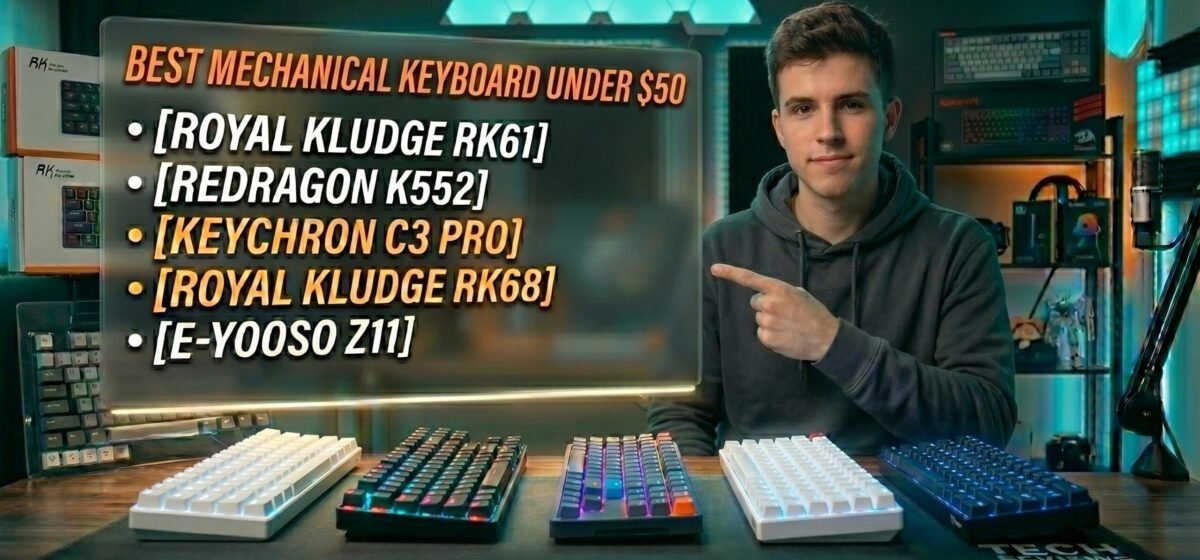
The Royal Kludge RK61 is the best mechanical keyboard under $50 for most people — wireless, hot-swappable, and packed with features at an unbeatable price. For the best typing feel, choose the Keychron C3 Pro. For maximum durability and reliability, the Redragon K552 is the proven choice. Users who want arrow keys in a compact form should look at the Royal Kludge RK68. Complete beginners should start with the E-Yooso Z11.
Why Budget Mechanical Keyboards Are Better Than Ever in 2026
The narrative that you need to spend $100+ to get a real mechanical keyboard is dead. Budget brands like Royal Kludge, Redragon, and Keychron have driven down manufacturing costs without sacrificing the features that matter most.
The biggest shift has been hot-swappable PCBs. This feature — which lets you pull out and replace switches without soldering — used to be exclusive to premium boards. Now you can find it under $45. That means your first mechanical keyboard doesn’t lock you into one switch type forever.
Wireless connectivity has followed the same trend. Tri-mode Bluetooth, 2.4GHz, and wired USB-C in a single keyboard under $50 is now a reality, not a luxury. If you’ve been putting off switching from membrane to mechanical because of the price, 2026 is the year to make the jump.
The counterintuitive point: spending more doesn’t always mean getting more at this price tier. The RK61 at $40-50 outperforms many $70-80 boards on features like wireless and hot-swap. Once you’re above $50, the improvements shift toward build quality and typing feel — not basic functionality. For a complete overview of what separates TKL boards from compact layouts at this budget, see our guide on the best tenkeyless mechanical keyboard.
The 5 Best Mechanical Keyboards Under $50
1. Royal Kludge RK61 — Best Overall (~$40–$50)
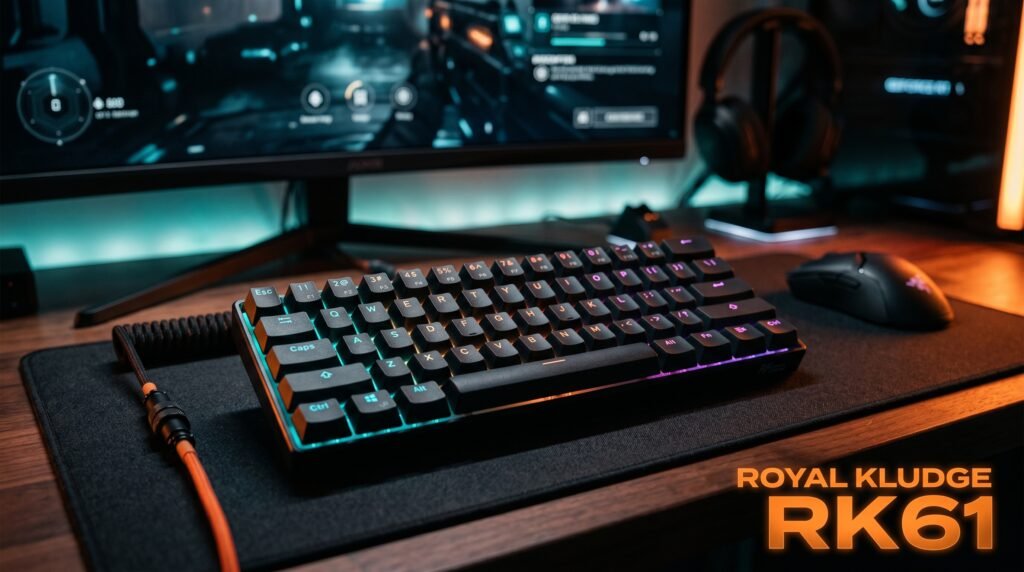
The RK61 is the benchmark for budget mechanical keyboards. Tri-mode wireless (Bluetooth 5.0, 2.4GHz, and USB-C wired), hot-swappable switches, and a compact 60% layout — all under $50. Battery life runs approximately 13 hours with backlight on and up to 360 hours in standby mode.
Available with red (linear and smooth), brown (tactile bump, best all-rounder), or blue (clicky and loud) switches. The aluminum frame version adds a premium feel that genuinely surprises at this price point. What most reviews won’t tell you is that the RK61’s wireless implementation — particularly the 2.4GHz mode — is more stable than most keyboards at twice its price.
Best for: First-time buyers who want wireless freedom and the ability to swap switches as their preferences evolve.
Pros: Hot-swappable, tri-mode wireless, compact design, aluminum frame option, 360-hour standby battery life. Cons: 60% layout has no arrow keys or function row — requires a learning curve. RGB software is basic.
2. Redragon K552 Kumara — Most Reliable (~$25–$35)
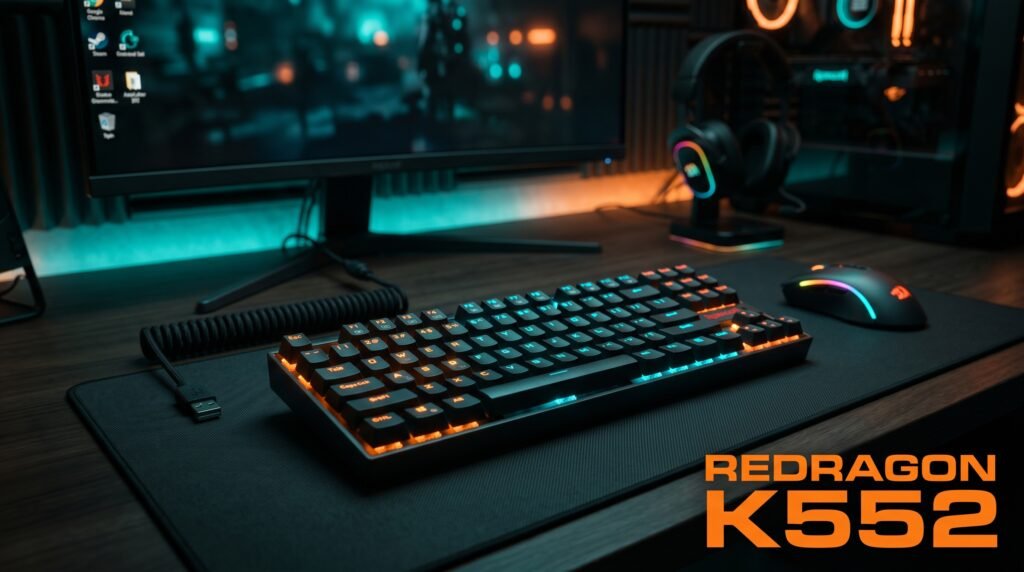
The K552 has been a bestseller for years for one reason: it outlasts the hype cycles around it. The metal frame construction delivers physical durability well beyond what its price implies. Tenkeyless layout means you keep your arrow keys while saving desk space compared to a full-size board.
Switches are Outemu (a Cherry MX clone) — slightly scratchier than Gateron but rated for 50 million keystrokes. Available in red, blue, and brown. RGB version adds a few dollars but improves the look significantly. Real-world scenario: a home office worker who types aggressively for 8 hours daily and wants a keyboard that still feels solid after two years of heavy use — the K552 is the answer at $25-35.
Best for: Anyone who wants a no-nonsense, battle-tested mechanical keyboard that will survive years of daily heavy use.
Pros: Metal frame, tenkeyless layout with arrow keys, proven long-term reliability, great for typing and gaming. Cons: Not hot-swappable, Outemu switches feel less refined than Gateron alternatives, no wireless.
3. Keychron C3 Pro — Best Typing Feel (~$44)

Keychron built its reputation on quality, and the C3 Pro delivers that at an accessible price. The key differentiator: Gateron switches — a noticeable step above the Outemu switches in most boards at this price. Pre-lubed on the hot-swap version, which dramatically improves the out-of-box typing experience.
QMK and VIA support is a standout feature that even $200 gaming keyboards often can’t match — you can remap every key, create macro layers, and build custom layouts without proprietary software. Compatible with Mac and Windows out of the box. The hot-swappable RGB version is available for around $10 more and is worth the premium for anyone who plans to experiment with switches.
Best for: Writers, programmers, and anyone who types for hours daily and wants the smoothest feeling keyboard under $50.
Pros: Gateron switches, QMK/VIA programmability, Mac and Windows compatible, clean professional look, hot-swap version available, gasket mount on newer versions. Cons: Wired only, base model not hot-swappable.
4. Royal Kludge RK68 — Most Features (~$45)

If maximum features per dollar is the goal, the RK68 wins. Tri-mode wireless, hot-swappable switches, and a 65% layout that retains arrow keys while staying compact. It hits the sweet spot between the minimalism of a 60% and the practicality of a TKL — without sacrificing portability.
The 65% layout is arguably the best compromise for most desk setups: smaller footprint than TKL, more functional than 60%, and visually cleaner than full-size. For a remote worker who needs arrow keys for spreadsheet and document navigation but doesn’t want a full-size board on a small desk, the RK68 solves the problem better than any other keyboard under $50.
Best for: Power users who want wireless flexibility, hot-swap capability, and arrow keys in one package under $50.
Pros: Tri-mode wireless, hot-swappable, 65% layout with arrow keys, long battery life, affordable. Cons: Wireless software can be inconsistent, slightly higher setup complexity than plug-and-play options.
5. E-Yooso Z11 — Best for Absolute Beginners (~$28)
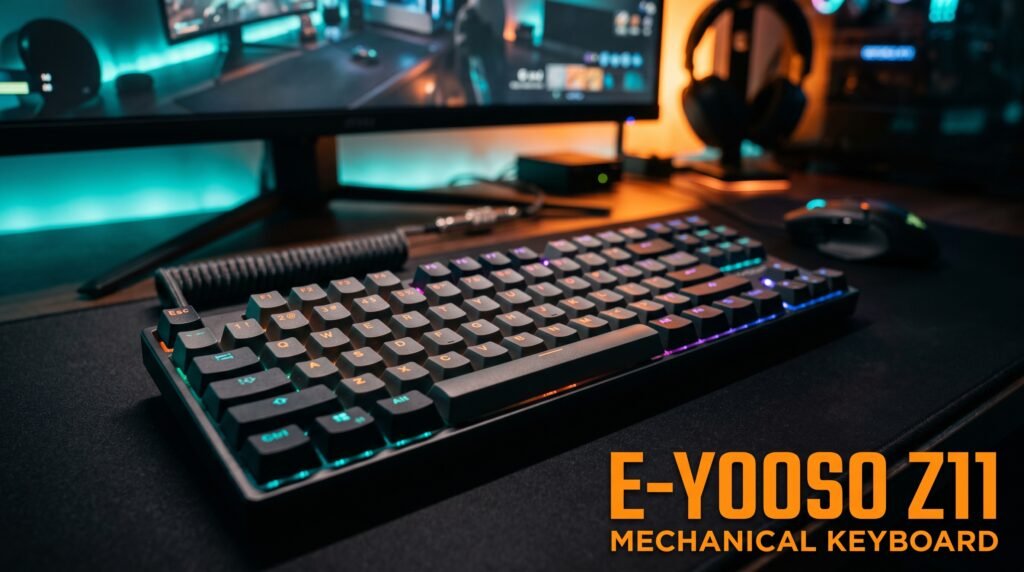
Not sure if mechanical keyboards are for you? The Z11 is the lowest-risk entry point on this list. A 60% layout with 61 keys, metal panel, detachable USB-C cable, and genuine mechanical switches at under $30 — cheap enough that trying it won’t sting if you decide mechanical isn’t your thing.
Available in blue or red switches. The hot-swappable PCB lets you experiment with different switch types without committing permanently, which is valuable at this price. Build quality reflects the cost, but the core mechanical switch experience is real. In our experience, the Z11 is the keyboard that converts the most membrane keyboard users to mechanical — the entry cost is low enough that hesitation disappears.
Best for: Complete beginners who want to test mechanical keyboards before committing to a more expensive board.
Pros: Cheapest on the list at ~$28, hot-swappable, metal panel, detachable USB-C cable, available in red or blue switches. Cons: 60% layout requires adaptation, no wireless, build quality reflects the price.
Comparison Table
| Product | Price | Best For | Rating |
|---|---|---|---|
| Royal Kludge RK61 | ~$40–$50 | Best overall value | 9/10 |
| Redragon K552 | ~$25–$35 | Maximum reliability | 8.5/10 |
| Keychron C3 Pro | ~$44 | Best typing feel | 8.5/10 |
| Royal Kludge RK68 | ~$45 | Most features | 8.5/10 |
| E-Yooso Z11 | ~$28 | Absolute beginners | 7/10 |
What to Look for When Choosing a Mechanical Keyboard Under $50
1. Switch type The switch determines everything about how the keyboard feels and sounds. Red switches are smooth and quiet — ideal for gaming and silent offices. Brown switches are tactile with a soft bump — the best all-rounder for typing and gaming combined. Blue switches are clicky and satisfying to type on — but loud enough to irritate people nearby. When in doubt, start with brown. If you need more guidance on this decision, our guide on how to choose a mechanical keyboard switch covers every switch type in depth.
2. Layout Layout affects your desk space and daily workflow more than any other factor. TKL removes the numpad but keeps arrow keys — the most popular choice. 65% keeps arrow keys in a smaller footprint. 60% removes both for maximum compactness but requires the biggest adjustment. For most people, TKL or 65% is the right balance.
3. Hot-swappable switches Worth paying a few extra dollars for if you’re new to mechanical keyboards. Hot-swap lets you remove and replace switches without soldering, so you can experiment with different types until you find what works for you. The RK61, RK68, and E-Yooso Z11 all offer this feature under $50.
4. Wireless vs. wired Wireless adds desk cleanliness and flexibility but costs more to manufacture — meaning other components may be slightly cheaper at the same price point. Wired keyboards generally offer better build quality per dollar. Choose wireless if a clean, cable-free desk is a priority. Choose wired if build quality is your top concern.
5. Build materials Look for an aluminum top plate or a dense, solid plastic case. A keyboard that flexes when you press the corners or sounds hollow when you tap the case will frustrate you within a week. The Redragon K552’s metal frame is the standout example of good build quality at a low price.
FAQ
How long do budget mechanical keyboards last?
A quality budget mechanical keyboard with genuine mechanical switches — like the ones on this list — should last 5-8 years of daily use without issues. Mechanical switches are rated for 50 million keystrokes, which at typical office typing volume translates to well over a decade before a switch starts feeling inconsistent.
The honest truth is that the keycaps wear out faster than the switches themselves — cheap ABS keycaps on budget boards can get shiny and slick within 1-2 years of heavy use. If that happens, a $15-20 set of PBT keycaps extends the keyboard’s usable life significantly without replacing the whole board.
Can a budget mechanical keyboard under $50 handle gaming?
Yes, for the vast majority of games. The switches on this list — whether linear, tactile, or clicky — respond at the same actuation speed as switches costing three times as much; the physical mechanism doing the work is nearly identical. What most reviews won’t tell you is that the difference between a $30 keyboard and a $150 keyboard in gaming performance is almost entirely about extras: dedicated macro keys, per-key RGB profiles, and software ecosystems — not raw responsiveness.
Competitive esports players might notice marginal differences in switch consistency at the highest level, but for everyday gaming, a budget mechanical keyboard is a real upgrade over a membrane board.
Are hot-swappable switches worth it on a budget keyboard?
If the keyboard you’re considering offers hot-swap sockets for close to the same price as one that doesn’t, take it — there’s no real downside. Hot-swappable PCBs let you change switches without soldering, which means if you decide linear switches aren’t for you after two weeks, swapping to tactile or clicky costs $15-25 for a new switch set rather than buying an entirely new keyboard.
In our experience, this is the single feature that most extends a budget keyboard’s relevance, since your preferences for switch feel often change once you’ve actually used a mechanical keyboard for a few months.
Is wireless or wired better for a budget mechanical keyboard?
Wired is still the safer choice under $50 specifically because of latency and battery management — most budget wireless boards in this price range use Bluetooth, which can introduce a few milliseconds of input lag that’s noticeable in fast-paced games. Wired also means you’re never caught with a dead keyboard mid-task.
That said, if portability matters more to you than minimal latency — say, you move between a desk setup and a laptop frequently — a budget wireless option with a 2.4GHz USB receiver (not just Bluetooth) gets you close to wired responsiveness with the convenience of fewer cables.
Our Final Verdict
The best mechanical keyboard under $50 in 2026 is the Royal Kludge RK61 — wireless, hot-swappable, and more capable than its price suggests. For pure typing feel, the Keychron C3 Pro is unmatched at this price point. For long-term durability, the Redragon K552 remains the most reliable budget option on the market. Users who need arrow keys should go straight to the Royal Kludge RK68. Complete beginners should start with the E-Yooso Z11 at $28 — the lowest-risk entry into mechanical keyboards available. Any of these will transform your desk setup without breaking your budget. Check current pricing on Amazon for all five picks.