
This article contains affiliate links. We may earn a commission if you buy through our links, at no extra cost to you.
A hundred dollars used to be the entry point for a decent mechanical keyboard. In 2026, it’s the price where things get genuinely impressive. The best mechanical keyboard under $100 today gives you hot-swappable switches, aluminum frames, reliable wireless, and full programmability — features that cost $200+ just three years ago.
This guide covers the five best options at this price, who each one is for, and how to pick based on your desk and workflow. After comparing dozens of boards in this range across layouts, switches, and wireless implementations, here’s what actually holds up.
What most roundups won’t tell you is that the “under $100” category is where the smart money sits — not the $150-200 tier. The honest truth is that spending more than $100 buys you marginally nicer materials and diminishing returns, not a better typing experience. If you’re on a tighter budget, start with our guide to the best mechanical keyboard under $50.
Quick Answer
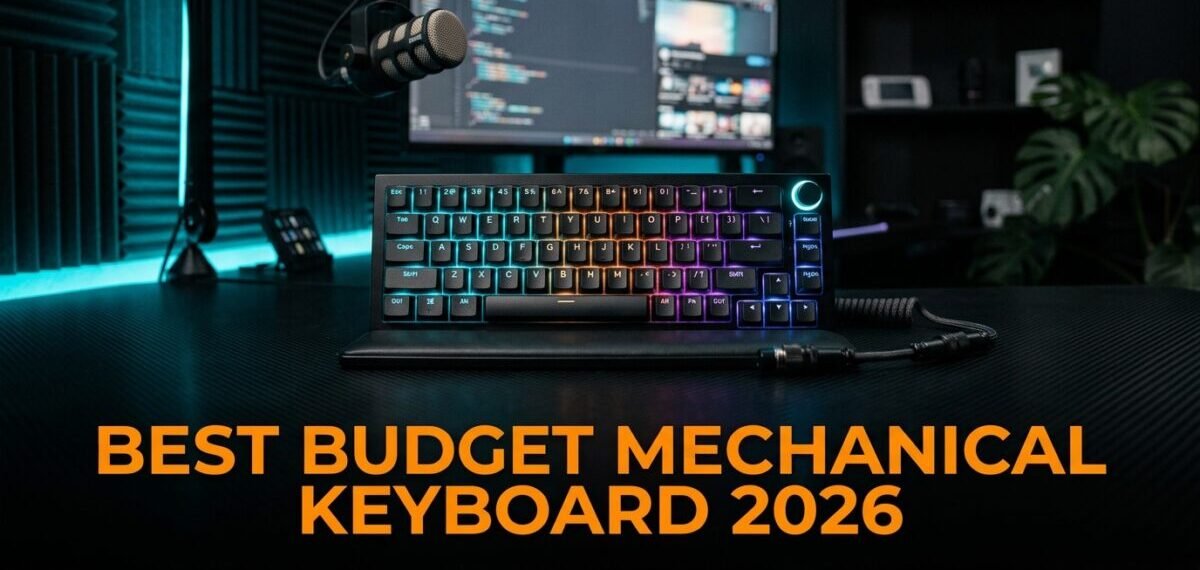
The Keychron K2 Pro is the best mechanical keyboard under $100 for most people — wireless, hot-swappable, fully programmable, and Mac/Windows ready out of the box. For the best typing feel, the Akko 3068B Plus edges it out with foam dampening. Budget-focused buyers should look at the Royal Kludge RK84 for the most features per dollar.
Why $100 Is the Sweet Spot for Mechanical Keyboards
Below $50, you’re making compromises — usually on build quality, switch consistency, or wireless. Above $150, you’re paying for diminishing returns: slightly better materials and more customization, but nothing that changes how the keyboard actually feels to type on.
The $75-100 range is where the best value lives. Hot-swap PCBs come standard here, not as a premium add-on. Wireless becomes reliable instead of an afterthought. Build quality jumps noticeably — aluminum frames, stabilizers that don’t rattle, switches that feel consistent from key to key.
Here’s the counterintuitive part: the jump from $50 to $90 gets you more real-world improvement than the jump from $90 to $200. The biggest quality gains happen in this tier, not above it. A graphic designer who spends 8 hours a day at the keyboard will feel the difference between a $30 board and a $90 board immediately — and barely notice the difference between that $90 board and a $200 one.
This is also where brands like Keychron, Akko, and NuPhy compete hardest, which drives quality up and prices down. For help picking the right switch feel, see our guide on how to choose a mechanical keyboard switch.
The 5 Best Mechanical Keyboards Under $100
Comparison Table
| Product | Price | Best For | Rating |
|---|---|---|---|
| Keychron K2 Pro | ~$90 | Best overall | 9.5/10 |
| Akko 3068B Plus | ~$85 | Best typing feel | 9/10 |
| Royal Kludge RK84 | ~$65 | Best value | 9/10 |
| NuPhy Air75 V2 | ~$95 | Best low-profile | 8.5/10 |
| Keychron C3 Pro | ~$44 | Best wired budget | 8.5/10 |
1. Keychron K2 Pro — Best Overall (~$90)
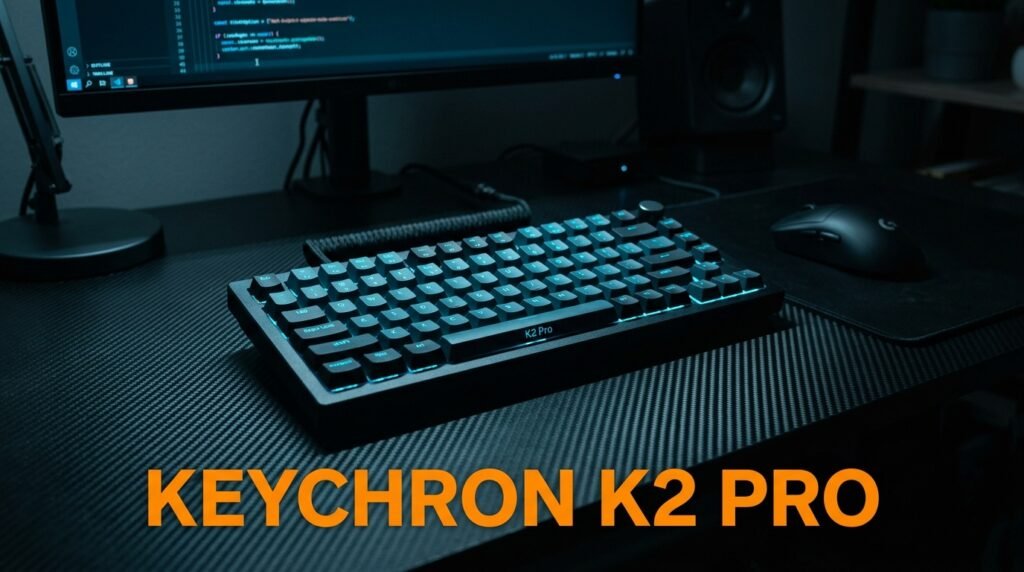
The Keychron K2 Pro is the definitive pick for most buyers here. It’s a 75% layout — compact enough to free up desk space while keeping the function row, arrow keys, and navigation cluster you use daily. Wireless via Bluetooth 5.1 across three devices, plus wired USB-C.
Hot-swappable switches are standard, and it ships with pre-lubed Keychron K Pro switches that feel smooth from the first keystroke. QMK and VIA support means full programmability with no proprietary software or account required.
Best for: Remote workers, writers, and programmers who want one versatile board for desk and travel.
Real-world detail: The tri-device Bluetooth is the standout for real use — pair it to a work laptop, personal desktop, and tablet, and switch between all three with a keystroke. For anyone juggling multiple machines on one desk, that alone justifies the price.
Pros: QMK/VIA support, Bluetooth 5.1 tri-mode wireless, hot-swappable, pre-lubed K Pro switches, Mac and Windows ready.
Cons: 75% layout drops the numpad, Bluetooth device-switching takes a brief moment.
2. Akko 3068B Plus — Best for Typing Feel (~$85)
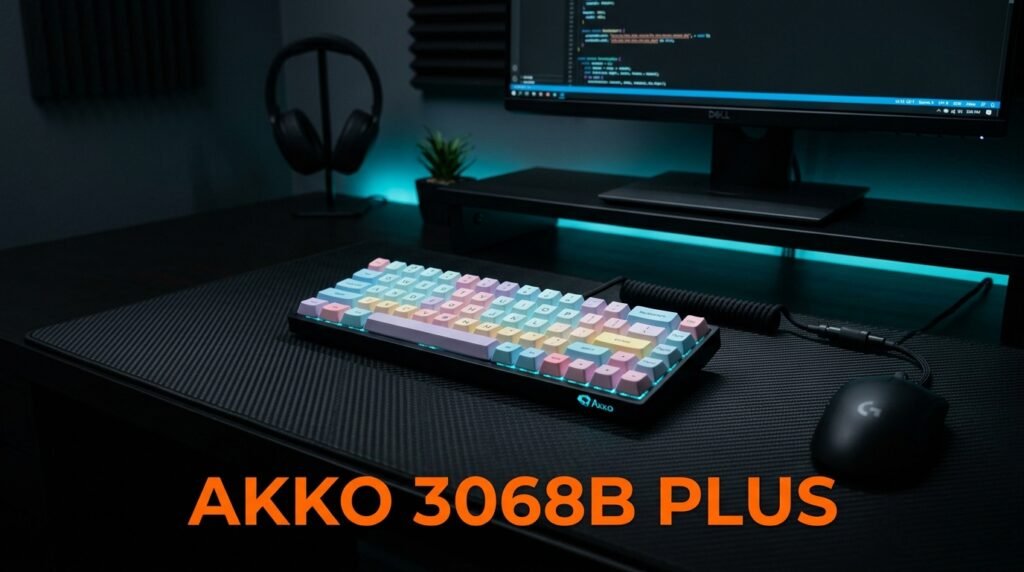
Akko has quietly become one of the most respected names in mid-range mechanical keyboards, and the 3068B Plus is their standout under $100. It ships with Akko’s own CS switches — smooth and well-tuned from the factory, in variants like the popular Jelly Pink and Jelly Purple.
In our experience, this is the board that converts people who didn’t think they cared about “typing feel.” The plate foam plus case foam gives it a softer, more cushioned sound than anything else at this price.
Best for: Typing enthusiasts who prioritize sound and feel over a full feature set.
Real-world detail: The 65% layout keeps arrow keys while cutting the function row, which makes it one of the most desk-space-efficient boards here — ideal for a minimalist setup where the mouse needs room to breathe.
Pros: Foam dampening for better sound, excellent Akko CS switches, tri-mode wireless, 5-pin hot-swappable, south-facing RGB, PBT double-shot keycaps.
Cons: 65% layout removes function row, Akko Cloud software less polished than Keychron’s.
3. Royal Kludge RK84 — Best Value (~$65)
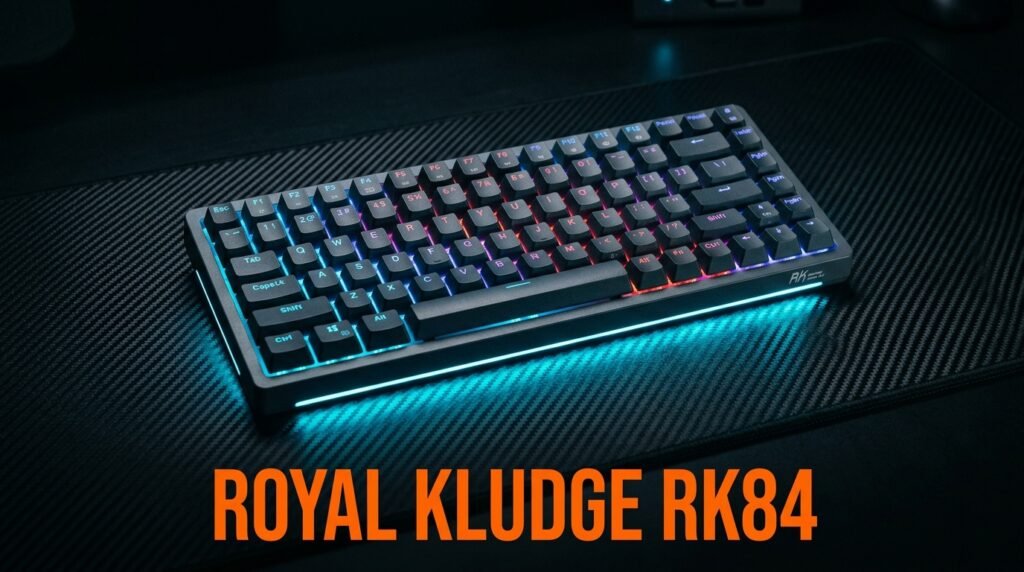
The Royal Kludge RK84 is the most feature-rich board under $70, and arguably the best raw value in this roundup. A 75% layout with tri-mode wireless (Bluetooth 5.0, 2.4GHz, USB-C), hot-swappable switches, and a large 3870mAh battery — all for significantly less than competing boards.
What most reviews won’t tell you is where RK cuts costs to hit that price: the software is basic and quality control is less consistent than Keychron’s, so you might want to lube the stabilizers out of the box. None of that changes that it delivers near-premium features for the money.
Best for: Budget-conscious buyers who want maximum features without crossing $70.
Real-world detail: Switch options include red, brown, and blue in silent variants — a genuinely useful option for anyone taking video calls in a shared space who still wants tactile feedback.
Pros: Exceptional value, tri-mode wireless, hot-swappable, large battery, silent switch option.
Cons: Basic software, less consistent QC than Keychron, stabilizers benefit from lubing.
4. NuPhy Air75 V2 — Best Low-Profile (~$95)
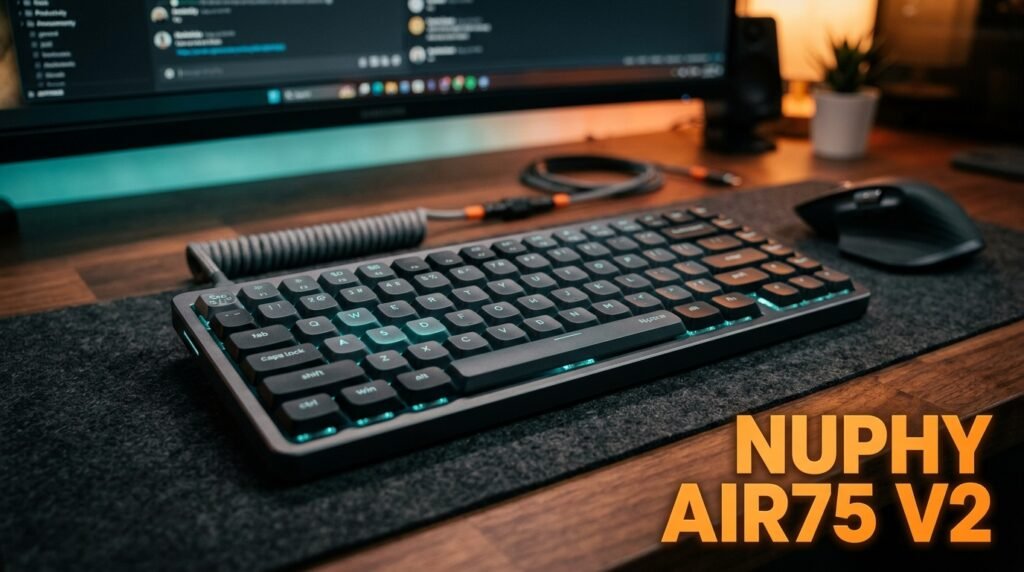
If you prefer a flatter, laptop-style feel but want real mechanical feedback, the NuPhy Air75 V2 is in a category of its own under $100. Low-profile Gateron switches give genuine tactile response at roughly half the key travel of standard switches — faster actuation, quieter sound, sleeker profile.
Tri-mode wireless (Bluetooth 5.1, 2.4GHz, USB-C), hot-swappable, QMK/VIA support, and a battery rated up to 220 hours with backlighting off. The aluminum frame feels premium for the price.
Best for: Users who find standard mechanical keyboards too tall or loud, and frequent travelers.
Real-world detail: The low profile is the deciding factor for one specific person — someone transitioning from years on a laptop keyboard who wants mechanical feel without the steep adjustment to tall, full-travel switches. The Air75 bridges that gap better than any standard-height board.
Pros: Premium aluminum build, low-profile Gateron switches, QMK/VIA, tri-mode wireless, hot-swappable, strong battery life.
Cons: Low-profile feel is an acquired taste, fewer switch options, top of this price range.
5. Keychron C3 Pro — Best Wired Budget Pick (~$44)
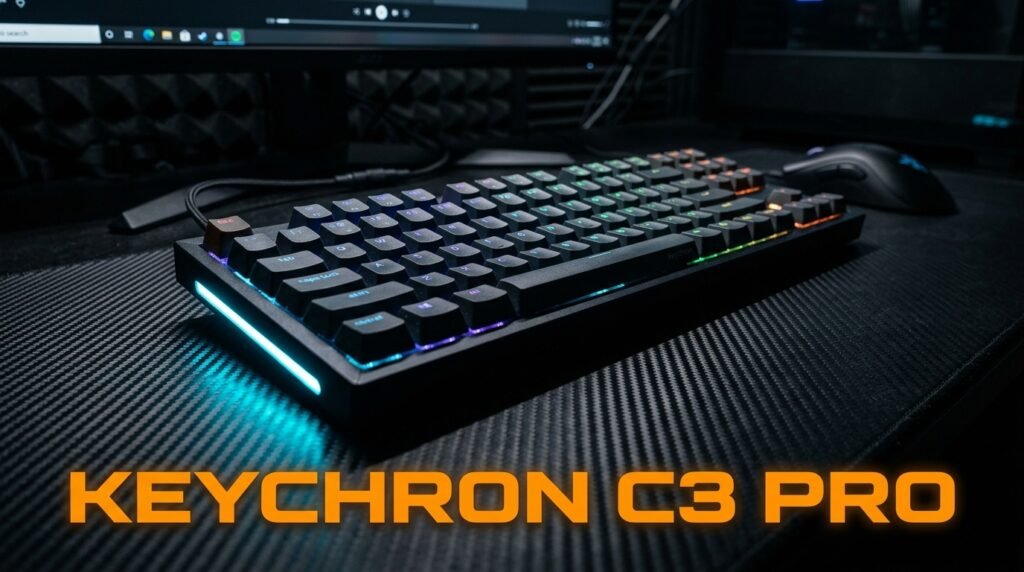
Not everyone needs wireless. If you’re building a stationary desk setup and want to put every dollar toward switch quality and build rather than wireless components, the Keychron C3 Pro delivers remarkable value — list price around $44, and it regularly drops under $30 on sale. Gateron switches, QMK/VIA programmability, a gasket-mount structure, and a 1000Hz polling rate.
This is the board that makes you realize how overpriced most gaming brands are. It’s the one budget pick that also appears in our best mechanical keyboard under $50 guide — included here as the wired-value anchor for anyone who doesn’t want to pay for wireless.
Best for: Stationary desk setups where wireless isn’t needed and build quality is the priority.
Real-world detail: The gasket mount plus sound-absorbing foam gives it a quiet “thock” instead of a hollow rattle — unusual at $44, and the reason it punches well above boards twice its price for typing in a shared office.
Pros: Gateron switches, QMK/VIA support, gasket mount, 1000Hz polling, clean aesthetic, hot-swap version available for ~$10 more.
Cons: Wired only, base model not hot-swappable.
What to Look for When Choosing a Mechanical Keyboard Under $100
1. Layout Layout determines how the board fits your desk and workflow. 75% is the most versatile — compact but keeps the function row and arrows. 65% drops the function row for a cleaner look. 60% is smallest but has the steepest learning curve. For most people, 75% is the ideal balance.
2. Switch type and hot-swap At this price, prioritize hot-swappable boards — they let you change switch feel without buying a new keyboard. Red switches are linear and smooth (best for gaming), brown switches are tactile without the click (best all-rounder), blue switches are clicky but loud. If you work near others, reds or browns are safer.
3. Wireless vs wired Wireless adds flexibility and a cleaner desk but costs more to implement at the same quality. Choose wireless if you switch between devices or want no cable; choose wired if you’d rather put that budget toward build and switches.
4. Build quality signals Aluminum frames beat full plastic. Check reviews for stabilizer rattle — a common budget complaint. South-facing RGB shines through keycaps better than north-facing.
5. Software and programmability QMK/VIA is the gold standard — open source, no account, works anywhere. Keychron’s Launcher is a solid proprietary alternative. Avoid boards that require software from unknown domains for basic functions.
FAQ
Is a mechanical keyboard under $100 good enough for professional use?
Absolutely. The Keychron K2 Pro and Akko 3068B Plus both perform beyond what most professionals need, with build quality that beats keyboards costing twice as much five years ago. For typing, programming, or daily office work, nothing about this price tier holds you back.
What’s the difference between 65% and 75% keyboards?
A 75% keyboard keeps the function row (F1-F12) plus arrow keys in a compact layout. A 65% keyboard removes the function row entirely, making it smaller but requiring key combinations to reach F1-F12. If you use function keys regularly, 75% is the more practical choice.
Are wireless mechanical keyboards under $100 reliable?
Yes. The Keychron K2 Pro and RK84 use Bluetooth 5.0/5.1 with stable connections and solid battery life. The 2.4GHz wireless mode on these picks is effectively lag-free for both typing and gaming, so you’re not sacrificing performance for the cable-free convenience.
Should I lube my switches out of the box?
Most switches at this price benefit from lubing, but it’s not essential. If they feel scratchy, lubing with Krytox 205g0 (linear) or Tribosys 3203 (tactile) makes a clear difference. It’s a 30-60 minute job that meaningfully improves the typing feel — optional, but rewarding if you enjoy tinkering.
Our Final Verdict
The best mechanical keyboard under $100 in 2026 is the Keychron K2 Pro — wireless, hot-swappable, fully programmable, and built to a standard that competes with far pricier boards. For the best typing feel, the Akko 3068B Plus is the one to beat. If value is the priority, the Royal Kludge RK84 gives you more features per dollar than anything else here.
Spend where it counts — this tier buys more real improvement than anything above it. Check current pricing on Amazon before you buy, since prices shift and deals appear often on all three picks.