
This article contains affiliate links. We may earn a commission if you buy through our links, at no extra cost to you.
The best light for video calls is rarely the brightest one. A panel rated at 800 lumens sitting 60cm from your face is a floodlight, and the result on camera is a washed-out forehead and a squint you can’t hide.
Distance is what decides the number you need. A light built for a desk works at arm’s length; a light built for filming works from two meters back, and the specs that sell one are the specs that ruin the other.
After comparing lumen output, color temperature ranges, CRI figures, mounting systems and long-term owner feedback across more than 20 lights, four stand out. One suits most desks, one doubles as a portable panel, one covers a wider field, and one stands on its own.
Quick Answer
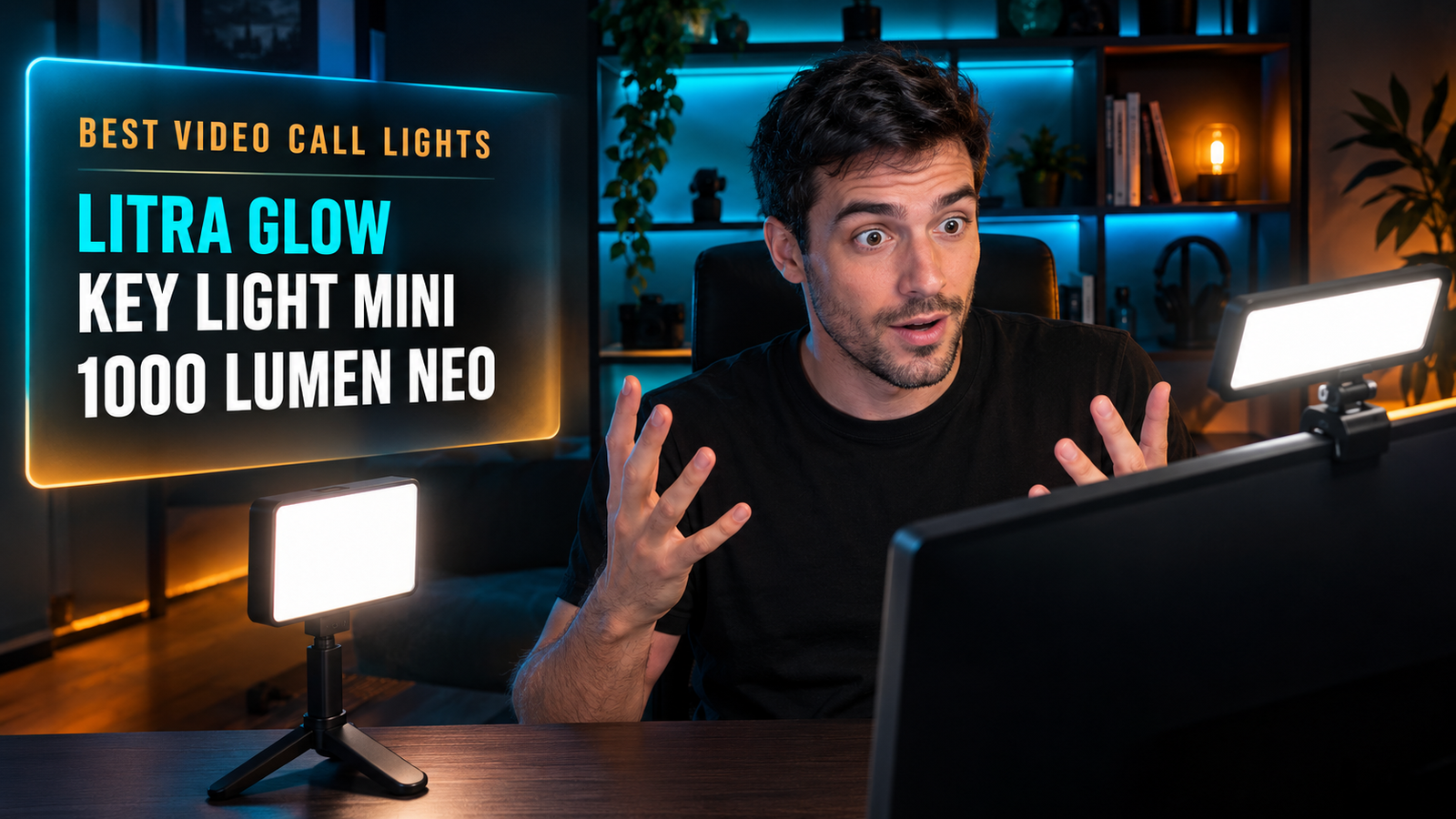
The Logitech Litra Glow is the best light for video calls for most people, with a 3-way monitor mount and 250 lumens tuned for face-distance use. For brightness and portability, the Elgato Key Light Mini delivers 800 lumens on a 4000mAh battery, and the Elgato Key Light Neo reaches 1000 lumens over plain USB.
How Many Lumens Do You Actually Need?
For a light sitting on your monitor, 200 to 400 lumens is enough. Light falls off sharply with distance, so a panel 50 to 70cm from your face delivers far more illumination than the same panel two meters away.
The dimmest light here is the one designed for your situation. The Logitech Litra Glow outputs 250 lumens and is built around a monitor mount, while the Elgato Key Light Mini runs to 800 and is designed to work from a stand at camera distance.
Running a bright panel at 20% is not the same as running a dimmer one at full power. Cheap LEDs shift color temperature as they dim, and the diffusion that softens the light is tuned for the panel’s intended output.
If your light sits on top of a 27-inch monitor and you’re a forearm’s length from the screen, buy for the distance rather than for the headline figure. The exception is a bright room: if you sit in front of a window, you need output to compete with the daylight behind you, and that’s where 800 or 1000 lumens earns its place.
Where Should the Light Go?
A key light belongs slightly above eye level and off to one side, not directly in front of your face. Straight-on lighting flattens features; a 30 to 45-degree offset keeps some shadow and makes the image read as three-dimensional.
Mounting hardware matters more than the panel for this. The Litra Glow ships with a patent-pending 3-way monitor mount with adjustable height, tilt and rotation, while the Logitech Litra Beam uses a 3-way adjustable stand with three separate mount points on the light itself.
Monitor mounts have one limitation nobody mentions: they put the light exactly where your webcam already is. That’s convenient and it’s also the flattest possible position.
If you have desk space, a light on a stand placed to one side produces a noticeably better image than the same light clipped above your screen. If you don’t, a monitor mount is still a large upgrade over the overhead ceiling light that currently lights the top of your head and nothing else. Our guide to the best webcam for home office covers the other half of the setup.
Does Color Temperature Matter More Than Brightness?
Matching your light’s color temperature to the room is what separates a natural image from an obviously lit one. A 5600K panel in a room full of 2700K lamps gives you a blue face against an orange background.
The adjustment range is a more useful spec than the maximum brightness. The Key Light Mini covers 2900 to 7000K, the Litra Glow runs 2700 to 6500K, and both ranges are wide enough to match anything from a warm desk lamp to midday daylight.
CRI is the figure that decides whether skin looks right. Elgato rates the Key Light Mini above 94 CRI, and Logitech builds its TrueSoft marketing around color accuracy rather than output.
If you work in a room with a window on one side and a warm lamp on the other, set the panel between them rather than to either extreme. We’d choose a light with a wide temperature range over one with an extra 200 lumens every time, because output you can’t match to the room is output you’ll turn down anyway.
USB Power, Battery or Mains?
How a light is powered decides where it can go, and USB-powered models are the simplest for a fixed desk. The Elgato Key Light Neo reaches up to 1000 lumens on plain USB power with no separate adapter, which is unusual at that output.
The battery model is the one to buy even if you never leave the desk. The Key Light Mini’s 4000mAh cell means the light isn’t competing for a USB port with your webcam, your dock and your keyboard.
Port count is a real constraint on a laptop. A USB-C MacBook with two ports running a dock, a monitor and a light has nothing left for anything else.
If your light lives permanently on the monitor and you have a powered hub, USB is simpler and you’ll never think about charging. If you take calls from a kitchen table once a week or film anything away from the desk, the 300g battery-powered panel covers both jobs for the same money.
Is a Ring Light Better Than a Panel?
For video calls, a rectangular panel beats a ring light in almost every case. Ring lights produce a distinctive circular catchlight in the eyes that reads as “content creator” rather than as professional, and they take up more desk space for the same output.
The format that dominates beauty content is the wrong one for a work call. Panels diffuse across a wider area, which is what softens the shadow under the nose and chin, and they sit flat against a monitor instead of hovering on a tripod arm.
Diffusion quality is where the money goes. Elgato uses edge-lit construction with multi-layer diffusion, and Logitech’s frameless diffuser does the same job by a different route.
If you’re choosing between a $30 ring light and a $70 panel, the panel is the better buy for a Teams call and the ring light is the better buy for a makeup tutorial. We’d skip ring lights entirely for an office setup, whatever the price.
Best Lights for Video Calls: Comparison Table
| Product | Price | Best For | Rating |
|---|---|---|---|
| Logitech Litra Glow | ~$60 | Best overall | 9/10 |
| Elgato Key Light Mini | ~$100 | Portable and bright | 8.5/10 |
| Elgato Key Light Neo | ~$100 | Brightest over USB | 8.5/10 |
| Logitech Litra Beam | ~$100 | Standing placement | 8/10 |
Detailed Reviews
Logitech Litra Glow — Best Overall
Two hundred and fifty lumens sounds modest until you understand where this light is meant to sit. The Litra Glow is built around a patent-pending 3-way monitor mount with adjustable height, tilt and rotation, and its frameless diffuser spreads light wide rather than concentrating it. Logitech’s TrueSoft technology targets full-spectrum output with accurate color rendering, the range runs 2700 to 6500K, and the desktop app controls brightness and temperature from the screen rather than from a button on the panel.
If your calls happen at a 27-inch monitor with your face 60cm from the screen, this output is correct for the distance and the mount puts it exactly where it needs to be.
Output is the limitation in a bright room. Sitting in front of a window, 250 lumens struggles to balance daylight behind you, and the monitor mount places the light at the flattest possible angle. For a standard home office at around $60, it’s the one we’d buy first.
Best for: Standard desk setups where the light lives permanently on the monitor.
Real-world detail: At 250 lumens it’s the dimmest light here, and the one designed specifically for face-distance use.
Pros: 3-way adjustable monitor mount, frameless diffuser, 2700-6500K range, desktop app control, lowest price here.
Cons: 250 lumens struggles against window light, monitor mount gives a flat angle, no battery.
Elgato Key Light Mini — Most Versatile
A 4000mAh battery is what separates this panel from everything else in the category. The Key Light Mini delivers 800 lumens across 2900 to 7000K with CRI above 94, measures 147 x 100 x 17mm, weighs 300g, and charges over USB-C at up to 3A. Elgato covers it with a two-year manufacturer warranty, and it mounts on any 1/4-inch thread as well as Elgato’s own stands.
If you take calls at a desk during the week and film anything away from it at weekends, this is the only light here that handles both without a second purchase.
Eight hundred lumens is more than a desk needs, so expect to run it well below maximum in a monitor-mounted position, and the mount isn’t included in the way Logitech’s is. At 300g it’s also heavier than a clip-on panel. For anyone whose setup isn’t fixed, the battery makes it the sensible choice.
Best for: People who need one light for a desk and for filming elsewhere.
Real-world detail: Its 4000mAh battery means it never occupies a USB port on a laptop with limited ports.
Pros: 800 lumens, CRI above 94, 2900-7000K range, 4000mAh battery, two-year warranty.
Cons: Brighter than a desk needs, mount sold separately, 300g is heavy for a clip.
Elgato Key Light Neo — Brightest Over USB
One thousand lumens from a plain USB port is this panel’s headline, and it matters because most lights at that output need a mains adapter. The Key Light Neo uses an edge-lit design with glare-free diffusion, ships in a version with a monitor mount, and offers both onboard controls and Wi-Fi app control, so you can change brightness without opening software.
If you sit with a window behind you, this is the output level that balances the daylight instead of surrendering to it, and it does so without adding a power brick to your desk.
The panel is physically larger than the Litra Glow, which some desks won’t absorb gracefully, and at 1000 lumens the light is overkill for a dim room. Onboard controls are a genuine advantage over app-only designs, since nobody wants to open a desktop app to dim a light mid-call. For bright rooms, it’s the one we’d pick.
Best for: Rooms with a window behind the desk, where output has to compete with daylight.
Real-world detail: It reaches 1000 lumens on USB power alone, with no separate mains adapter.
Pros: Up to 1000 lumens over USB, onboard and Wi-Fi control, edge-lit diffusion, monitor mount version available.
Cons: Larger panel than desk rivals, overkill in a dim room, no battery.
Logitech Litra Beam — Best for Standing Placement
Getting the light off the monitor is what this one is for. The Litra Beam is a bar-format key light on a 3-way adjustable stand with three separate mount points on the body, offering 5 brightness levels and 5 color temperature settings across 2700 to 6500K, with stepless adjustment if you hold the buttons down.
If you have desk space to one side, placing this at a 30 to 45-degree angle gives a more three-dimensional image than any monitor-mounted panel can, because the shadow placement is under your control rather than fixed by the mount.
Desk footprint is the obvious cost: a stand occupies space a monitor mount doesn’t, and in a small setup that’s a real trade. The stepped 5-level controls are also less precise than a continuous slider unless you use the hold-to-adjust function. For anyone who cares how the image actually looks rather than how little space the light takes, the standing format wins.
Best for: Desks with room for a light to one side rather than above the screen.
Real-world detail: Its three separate mount points let you reposition the bar without buying extra hardware.
Pros: 3-way adjustable stand, three mount points, 2700-6500K, stepless adjustment available, desktop app control.
Cons: Takes desk space, stepped presets by default, no battery.
What to Look for When Choosing a Light for Video Calls
1. Match lumens to distance, not to the spec sheet. A monitor-mounted panel needs 200 to 400 lumens. Reserve 800 to 1000 for bright rooms or for lights placed further back.
2. Check the color temperature range. Look for something that covers roughly 2700 to 6500K so you can match a warm lamp or daylight. Matching the room matters more than raw output.
3. Decide where it mounts before you buy. Monitor mounts are tidy and put the light in the flattest position. Stands cost desk space and produce a better image at a 30 to 45-degree angle.
4. Check your free USB ports. A USB-powered light competes with your dock, webcam and keyboard. A battery model sidesteps the problem entirely.
5. Prefer a panel to a ring light. Rectangular panels diffuse wider and avoid the circular catchlight that reads as content-creator lighting rather than professional.
FAQ
How many lumens do you need for video calls?
For a light mounted on your monitor, 200 to 400 lumens is enough, since illumination falls off sharply with distance and the panel sits 50 to 70cm from your face. Brighter lights of 800 to 1000 lumens make sense in rooms with a window behind you or when the light is placed further back. Buying for the headline figure usually means running the light at a fraction of its output.
Where should you position a light for video calls?
Place the light slightly above eye level and offset 30 to 45 degrees to one side, rather than directly in front of your face. Straight-on lighting flattens features, while a small offset keeps shadow and depth. Monitor mounts are tidy but put the light in the flattest possible position.
Is a ring light or a panel better for video calls?
A rectangular panel is better for video calls because it diffuses light over a wider area and avoids the circular catchlight in the eyes that ring lights produce. Panels also mount flat against a monitor instead of hovering on a tripod arm. Ring lights suit beauty content, not work meetings.
What color temperature is best for video calls?
Match the light’s color temperature to the room, which usually means somewhere between 3000K and 5000K for a mixed indoor setting. A 5600K panel in a room lit by warm 2700K lamps produces a blue face against an orange background. Lights with a 2700 to 6500K range let you adjust rather than compromise.
Our Final Verdict
For most desks, the Logitech Litra Glow is the light to buy: 250 lumens tuned for face-distance use, a 3-way monitor mount with height, tilt and rotation, and a 2700 to 6500K range, all at the lowest price here.
If your setup moves, the Elgato Key Light Mini adds 800 lumens and a 4000mAh battery. The Elgato Key Light Neo reaches 1000 lumens over plain USB for rooms with a window behind the desk, and the Logitech Litra Beam stands to one side for a more three-dimensional image than any monitor mount can produce.