
This article contains affiliate links. We may earn a commission if you buy through our links, at no extra cost to you.
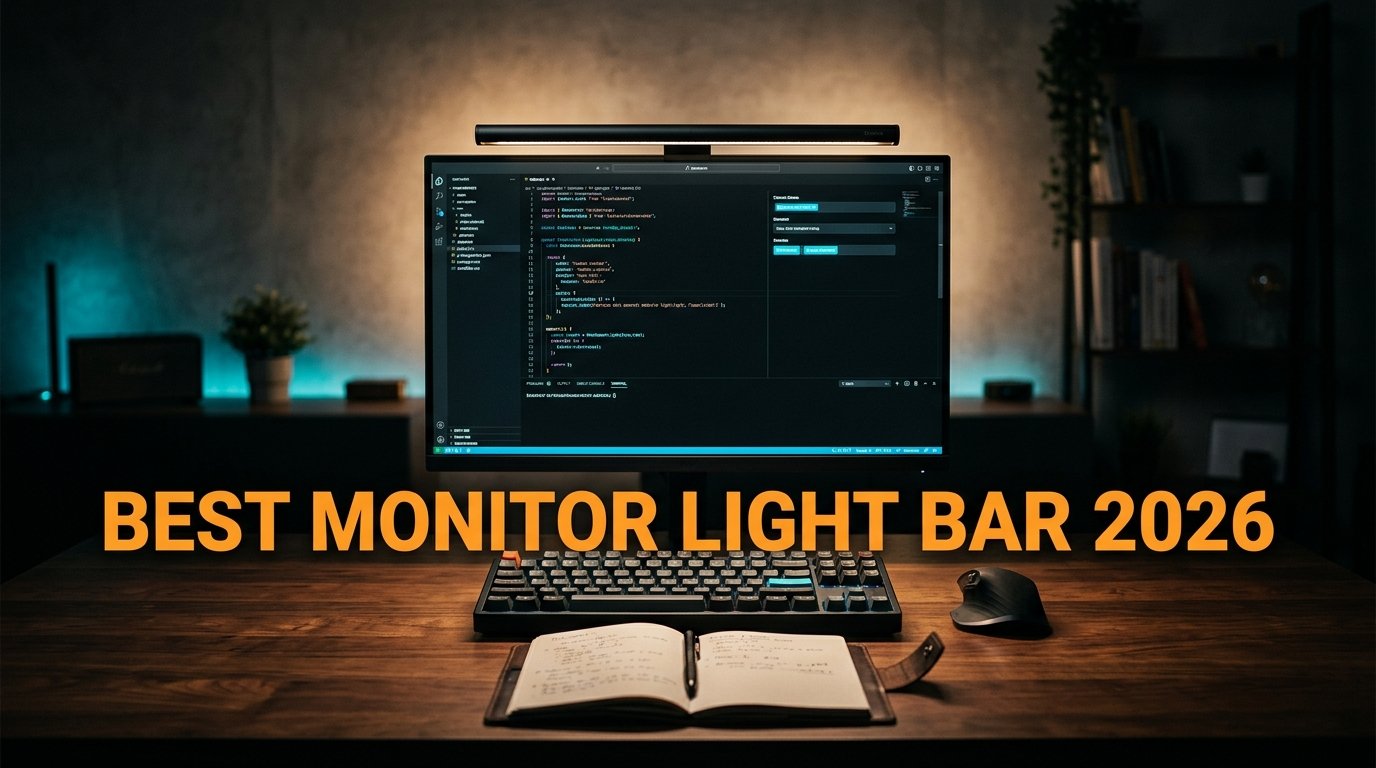
Working in a dark room with a bright screen is one of the worst things you can do to your eyes — and one of the most common. Your pupils fight to adjust between a glowing display and a black background all day, and by 6 p.m. your eyes ache. A desk lamp doesn’t fix it, because it throws glare straight back at your screen. The best monitor light bar solves the problem properly: it clips to the top of your display and lights your desk without touching the screen.
After researching the optics and comparing bars across price tiers, here’s what actually works. This guide covers the top picks for 2026, explains why asymmetric optics matter more than raw brightness, and helps you pick based on your monitor and budget. If eye comfort is the reason you’re here, pair this with our guide to the best monitor for eye strain.
Quick Answer
The BenQ ScreenBar Halo 2 is the best monitor light bar for most people — asymmetric glare-free optics, a rear backlight that balances screen contrast, a wireless desktop controller, and a motion sensor. For a cheaper alternative that covers the essentials, the Quntis Monitor Light Bar Pro+ delivers 20 inches of coverage with a remote for a fraction of the price. Budget buyers should start with the Quntis ScreenLinear at around $40.
Why a Monitor Light Bar Beats a Desk Lamp
A traditional desk lamp lights your desk from the side, which means part of that light hits your screen and bounces back as glare. You end up squinting through a washed-out display, and you’ve lost desk space to a lamp base.
A monitor light bar sits on top of your display and uses asymmetric optics — the light is engineered to project downward and forward onto your desk at roughly a 45-degree angle, with almost nothing reflecting off the screen. Your keyboard and notes are lit; your monitor stays clean.
The second problem it solves is contrast strain. Staring at a bright screen in a dark room forces your pupils to constantly readjust, which is the mechanism behind most end-of-day eye fatigue. A light bar raises the ambient light around the screen so the contrast gap shrinks.
What most reviews won’t tell you is that brightness is not the spec that matters most — asymmetric optics are. A 1200-lux bar with poor optics that reflects onto your screen is worse than an 800-lux bar with proper 45-degree engineering. Manufacturers advertise lux because it’s a big number; the optics are what you actually feel.
The concrete scenario: someone working late in a home office with the overhead light off, screen at full brightness, gets an immediate reduction in that squinting-at-a-flashlight feeling within the first evening of use.
Front Light, Backlight, and What Each Does
Modern light bars split into two lighting functions, and understanding the difference stops you from overpaying — or from buying too little.
Front light is the core function: it illuminates your desk, keyboard, and any paper in front of you. Every light bar has this. Look for adjustable color temperature (typically 2700K-6500K) so you can run warm light at night and neutral daylight during work hours.
Backlight (rear-facing light) projects a soft glow onto the wall behind your monitor. This isn’t decoration — it’s the feature that directly attacks contrast strain by raising the brightness of the area around your screen, which is where the pupil-adjustment problem originates.
In our experience, the backlight is the upgrade most people underestimate and then refuse to give up. If you work in a dark room at night, it makes more difference to comfort than another 300 lux of front light.
Auto-dimming uses an ambient sensor to adjust brightness automatically as the room changes — genuinely useful if you work from afternoon into evening without wanting to fiddle with settings. For the broader lighting picture on your desk, see our guide to the best desk lamp for home office.
The 5 Best Monitor Light Bars in 2026
Comparison Table
| Product | Price | Best For | Rating |
|---|---|---|---|
| BenQ ScreenBar Halo 2 | ~$179 | Best overall | 9.5/10 |
| BenQ ScreenBar Pro | ~$159 | Best for ultrawide/USB-C | 9/10 |
| BenQ ScreenBar (original) | ~$109 | Best value BenQ | 8.5/10 |
| Quntis Light Bar Pro+ | ~$60 | Best alternative brand | 8.5/10 |
| Quntis ScreenLinear | ~$40 | Best budget | 8/10 |
1. BenQ ScreenBar Halo 2 — Best Overall (~$179)
The BenQ ScreenBar Halo 2 is the most complete monitor light bar you can buy. BenQ invented the category in 2017, and the Halo 2 refines it: asymmetric optics developed through extensive simulation that cut screen glare at the source, plus a rear backlight that balances screen and ambient light for dark-room work.
It adds a motion sensor that switches the light on as you sit down, and a wireless desktop controller so you adjust brightness and color temperature without reaching behind your monitor. It’s tested not to interfere with color calibration work, and uses flicker-free, blue-light-hazard-free LEDs.
Best for: Anyone who works long hours in variable lighting and wants the most refined, hands-off experience.
Real-world detail: The wireless controller sitting on your desk is the feature you notice daily — adjusting light with a dial at your fingertips rather than groping behind the monitor is the difference between actually using the adjustment and never touching it.
Pros: Best-in-class asymmetric optics, rear backlight, motion sensor, wireless desktop controller, fits curved monitors, doesn’t affect color calibration.
Cons: Most expensive here, needs 5V/1.5A power to work properly, premium price for features some won’t use.
2. BenQ ScreenBar Pro — Best for Ultrawide and USB-C (~$159)
The BenQ ScreenBar Pro is the pick if you run an ultrawide monitor. It offers wider lighting coverage designed for larger screens, a motion sensor, adjustable brightness and color temperature, and USB-C power — a small but meaningful upgrade if your setup has moved past USB-A.
The honest truth is that on a standard 27-inch monitor, the Pro’s extra coverage is wasted and the Halo 2’s backlight is the better spend. On a 34-inch ultrawide, that flips completely — a standard-length bar leaves the edges of your desk dim.
Best for: Ultrawide and large-monitor users, and anyone who wants USB-C rather than USB-A power.
Real-world detail: Ultrawide coverage is the deciding factor — a 34-inch curved monitor with a standard 15-inch light bar leaves both ends of the keyboard in shadow, which is exactly the uneven lighting a light bar is supposed to eliminate.
Pros: Ultrawide lighting coverage, USB-C powered, motion sensor, adjustable brightness/temperature, fits curved monitors.
Cons: Overkill on standard 27″ monitors, premium price, fewer lighting modes than the Halo 2.
3. BenQ ScreenBar (original) — Best Value BenQ (~$109)
The original BenQ ScreenBar is still on sale for a reason: it does the core job well without the extras. Auto-dimming via ambient sensor, adjustable brightness and color temperature, the same asymmetric glare-free optics that made BenQ the category leader, and USB power with a clip that mounts to almost any monitor.
You lose the backlight, the motion sensor, and the wireless controller — controls are touch buttons on the bar itself. For someone who sets their lighting once and leaves it, none of that matters.
Best for: Buyers who want BenQ’s proven optics without paying for backlight and wireless controls.
Real-world detail: The auto-dimming sensor is the feature worth having at this tier — it adjusts as afternoon turns to evening, so the light matches your room without you thinking about it.
Pros: BenQ asymmetric optics, auto-dimming, adjustable color temperature, space-saving clip, lower price.
Cons: No backlight, no motion sensor, touch controls on the bar (reaching behind the monitor), USB-A.
4. Quntis Monitor Light Bar Pro+ — Best Alternative Brand (~$60)
The Quntis Monitor Light Bar Pro+ is the strongest non-BenQ option and delivers remarkable value. It’s a 20.1-inch bar — longer than most BenQ models — with a 45-degree asymmetric optical design, CRI 95 color rendering, stepless dimming from 3000K-6500K, and an illuminance of 1200+ lux. It ships with a remote control for desktop adjustment.
An upgraded weighted clip fits monitors from 0.12″ to 2.36″ thick, including curved and irregular designs, and it’s certified to IEC 62778 anti-blue-light standards.
Best for: Buyers who want near-premium features and ultrawide-friendly length at roughly a third of the flagship price.
Real-world detail: At 20.1 inches with a remote for around $60, this covers an ultrawide monitor for less than half what the BenQ ScreenBar Pro costs — the value pick if coverage matters more than brand.
Pros: 20.1″ length fits ultrawides, remote control, CRI 95, 1200+ lux, fits curved monitors, strong value.
Cons: Optics not quite BenQ-refined, build feels less premium, brand support less established.
5. Quntis ScreenLinear — Best Budget (~$40)
The Quntis ScreenLinear proves you don’t need to spend $180 to fix screen glare. It delivers the core function — asymmetric optical design that lights your desk without reflecting on the screen — plus auto-dimming, touch control, and adjustable brightness and color temperature. It’s certified to IEC/TR 62778 and IEC/EN 62471 standards for blue-light safety and flicker-free operation.
Build quality and refinement are a step below the premium options, but the physics that make a light bar work are all here.
Best for: First-time buyers testing whether a light bar helps their eye comfort before spending more.
Real-world detail: At around $40, this is the low-risk way to find out if a light bar fixes your evening eye fatigue — spend $40 to test the concept, then upgrade to a Halo 2 if it does.
Pros: Lowest price, asymmetric optics, auto-dimming, touch control, blue-light certified, space-saving.
Cons: No backlight, no remote, shorter coverage, less refined build, basic controls.
What to Look for When Choosing a Monitor Light Bar
1. Asymmetric optics (non-negotiable) This is the whole point. A light bar with proper 45-degree asymmetric optics lights your desk while keeping light off your screen. Cheap bars without engineered optics reflect onto the display and defeat the purpose. Look for explicit mention of asymmetric or anti-glare optical design.
2. Backlight if you work in the dark A rear-facing light that glows onto the wall behind your monitor directly reduces contrast strain — the main cause of evening eye fatigue. If you work at night with the room lights off, this matters more than extra front brightness.
3. Length matched to your monitor A 15-inch bar on a 34-inch ultrawide leaves the edges dark. Match the bar length to your screen: standard bars for 24-27 inch monitors, 20-inch bars for ultrawides and large displays.
4. Clip compatibility Check bezel thickness limits before buying, especially for curved monitors. Most bars specify a range (e.g. 0.25″ to 2.36″ for flat, less for curved over 1000R). A bar that doesn’t clip securely will wobble every time you adjust it.
5. Controls you’ll actually use Touch controls on the bar mean reaching behind your monitor every time. A desktop wireless controller or remote is the difference between adjusting your lighting daily and setting it once and never touching it again.
FAQ
Do monitor light bars actually reduce eye strain?
They address one of the main causes: the contrast between a bright screen and a dark surrounding room, which forces constant pupil adjustment. By raising ambient light without creating screen glare, a light bar reduces that strain — most users notice less end-of-day eye fatigue within the first week. They won’t fix eye strain from an uncorrected prescription or a poor monitor, so combine one with proper screen brightness and regular breaks.
Is a monitor light bar better than a desk lamp?
For desk work at a computer, yes. A desk lamp throws light from the side, part of which reflects off your screen as glare, and it occupies desk space with its base. A monitor light bar uses asymmetric optics to light only your desk area, clips to the monitor so it takes zero desk space, and doesn’t create screen reflections.
Does a monitor light bar work with a curved monitor?
Most modern light bars do, but check the specs. Curved monitors have tighter clip tolerances than flat ones — typically the bar supports less thickness on curves over 1000R. Some models, like the BenQ Halo 2 and Quntis Pro+, are specifically designed with adjustable clips for curved and irregular monitor backs.
Are cheap monitor light bars worth buying?
For testing whether the concept helps you, yes. A $40 bar with genuine asymmetric optics delivers the core benefit — desk lighting without screen glare — even if the build and controls are basic. What you gain by spending more is the rear backlight, better controls, wider coverage, and refined optics. Start cheap to confirm it helps, then upgrade.
Our Final Verdict
The best monitor light bar in 2026 is the BenQ ScreenBar Halo 2 for most people — the most refined optics in the category, a rear backlight that genuinely reduces contrast strain, and a wireless controller you’ll actually use.
Ultrawide owners should get the BenQ ScreenBar Pro for its wider coverage, while the Quntis Light Bar Pro+ delivers similar length and a remote for a third of the price. Budget buyers can test the concept with the Quntis ScreenLinear at around $40. Prioritize asymmetric optics over raw brightness. Check current pricing on Amazon and stop squinting at your screen after dark.