
This article contains affiliate links. We may earn a commission if you buy through our links, at no extra cost to you.
For most players in 2026, the wired vs wireless gaming mouse question is settled on price, not performance. Wireless latency stopped being a real problem years ago. What hasn’t closed is the gap between what $70 buys you with a cable and what it buys you without one.
The old arguments are dead. Wireless mice aren’t heavier anymore, they don’t stutter mid-match, and the best of them poll as fast as anything with a cord. A 60g wireless mouse and a 59g wired one now sit within a gram of each other.
After comparing polling rates, weights, battery specs, prices and long-term owner feedback across more than 20 models, five mice illustrate the real trade-offs. This guide is for anyone deciding whether to pay the wireless premium or put that money into a better sensor and switches.
Quick Answer
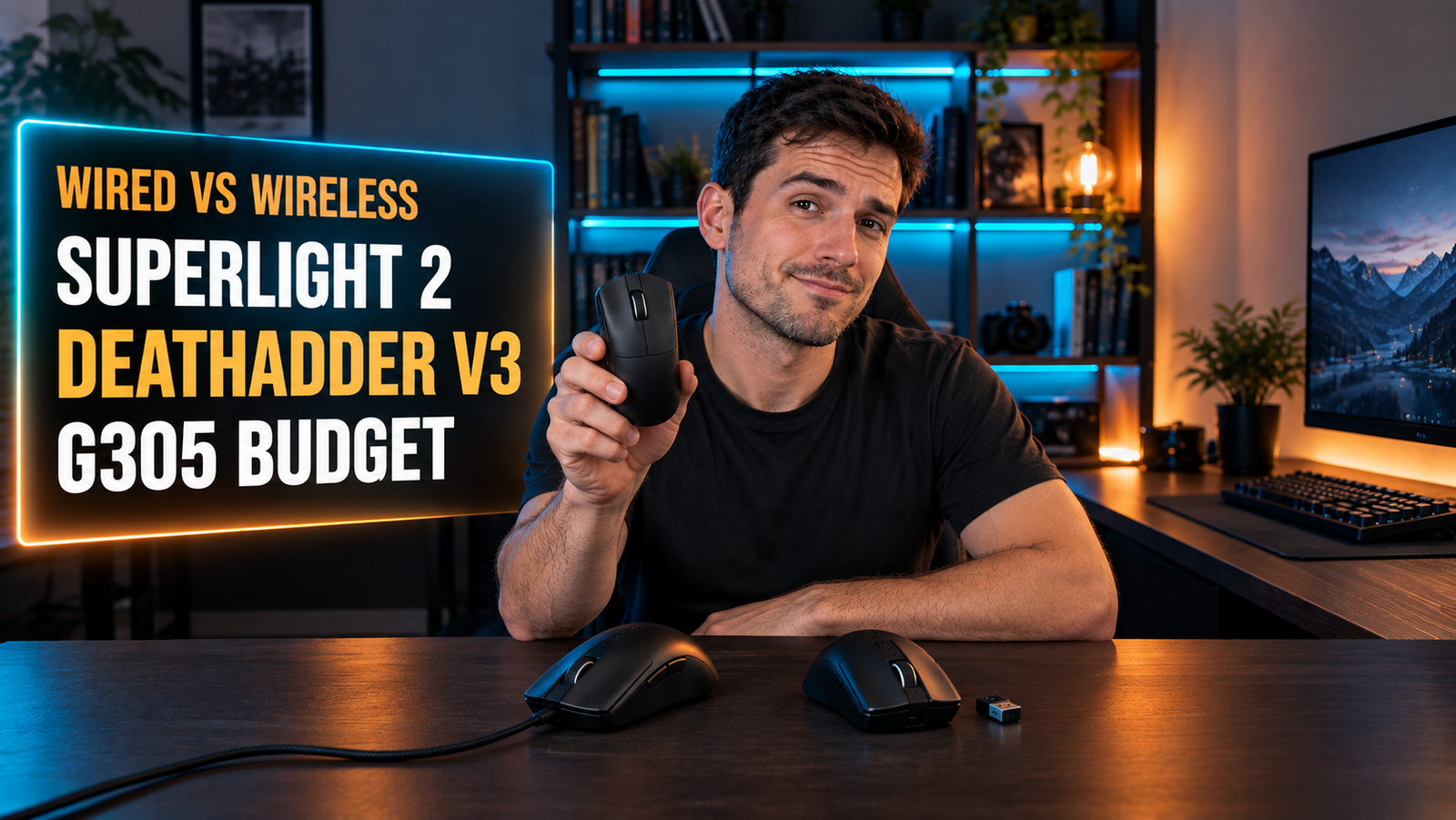
The Logitech G Pro X Superlight 2 is the best wireless gaming mouse for most people, with 8 kHz polling at 60g and a 95-hour battery. If you’d rather spend the money on specs, the wired Razer DeathAdder V3 gives you the same 8 kHz polling and a 59g body for less than half the price, and the Logitech G305 is the budget wireless pick at around $40.
Is Wireless Gaming Mouse Latency Still a Problem?
Wireless gaming mouse latency is no longer a practical problem. Modern 2.4 GHz systems like Logitech’s LIGHTSPEED and Razer’s HyperSpeed run dedicated dongles, not Bluetooth, and deliver a 1 ms report rate as a baseline.
The latency argument closed, but the polling argument didn’t. Both connections now report position at least 1,000 times a second, which is the point where the difference stops being something you can feel in a match. Above that baseline, though, the two paths diverge sharply on price.
Connection reliability is the part worth checking rather than raw speed. A crowded 2.4 GHz environment (a router, a wireless keyboard, a headset dongle and a phone charger on the same desk) is where cheap wireless mice stumble, not in a lab. Both Logitech and Razer build their dongles specifically to hold up in noisy conditions.
If your PC sits under the desk and the dongle plugs into the back of the case, move it to a front port or a USB extension near the mousepad. That single change fixes most stutter complaints people blame on wireless itself. One thing a cable never does is drop out, which is still why tournament players keep one in the bag.
Does 8000 Hz Polling Matter, and Can Wireless Do It?
A 8,000 Hz polling rate reports mouse position 8,000 times per second instead of 1,000, cutting the interval between updates from 1 ms to 0.125 ms. Whether you can perceive that depends heavily on your monitor’s refresh rate and your frame rate.
The cheapest route to 8 kHz polling is a cable. The wired Razer DeathAdder V3 and Razer Viper 8KHz both hit 8,000 Hz out of the box, while the wireless Razer Viper V3 HyperSpeed ships at 1,000 Hz and needs a HyperPolling dongle sold separately to go higher. The only mouse here that does 8 kHz wirelessly with nothing extra is the Superlight 2, at roughly twice the price.
High polling only pays off with headroom. If you run a 60 Hz monitor at 90 fps, 8 kHz changes nothing you’ll notice. If you run 240 Hz or 360 Hz and your frame rate keeps up, the extra updates arrive between refreshes and the cursor tracks more smoothly.
There’s also a CPU cost: at 8,000 Hz your system processes eight times the mouse reports, which matters on older processors. We’d leave it at 1,000 Hz on any build more than five years old.
Are Wireless Gaming Mice Heavier Than Wired Ones?
Wireless gaming mice are no longer meaningfully heavier than wired ones. The Logitech G Pro X Superlight 2 weighs 60g with its battery inside; the wired Razer DeathAdder V3 weighs 59g. That is a one-gram difference between the two connection types.
The heaviest mouse in this guide is a wireless one, and the lightest is wired. The 99g Logitech G305 carries a full AA battery, while the wired DeathAdder V3 at 59g has nothing inside but the sensor and switches. Weight now tracks price and design, not whether there’s a cord attached.
Extra mass isn’t automatically bad, either. A 99g mouse damps small hand movements and can feel steadier on slow, deliberate aim, while a 60g mouse rewards fast flicks and quick repositioning.
The remaining weight argument is the cable itself. A stiff rubber cord adds drag that feels like extra grams every time you swipe, which is why Razer ships its wired mice with braided Speedflex cables and why a mouse bungee exists at all. Routing that cable properly matters as much as the mouse; our guide to cable management for your desk covers the rest of the setup.
What Does Wireless Actually Cost You?
Wireless costs roughly double for equivalent performance. The Logitech G Pro X Superlight 2 runs around $159; the wired Razer DeathAdder V3, with the same 8 kHz polling and a gram less weight, sits near $70.
At any given budget, the wired mouse has the better sensor. Spend $70 on a cable and you get a Focus Pro 30K sensor with Gen-3 optical switches rated for 90 million clicks. Spend $70 wirelessly and you’re in Razer Viper V3 HyperSpeed territory: still excellent, but with Gen-2 mechanical switches at 60 million clicks and 1,000 Hz polling.
That trade only flips at the top of the range, where wireless flagships stop compromising on anything except price.
If you have $60 total and want a clean desk, the Logitech G305 at around $40 is the one we’d buy, because nothing wired at that price gives you a HERO sensor and 250 hours of battery. If you have $80 and care about specs, put it into a wired mouse instead. For more options at the low end, our best gaming mouse under $50 guide compares both connection types directly.
Batteries, Charging and the Cable You Still Need
Rechargeable wireless mice have shorter runtimes than the disposable-battery ones they replaced. The Logitech G Pro X Superlight 2 manages 95 hours per charge, while the AA-powered Razer Viper V3 HyperSpeed runs up to 280 hours and the Logitech G305 up to 250 hours.
An AA battery can be more convenient than USB-C charging. A rechargeable mouse that dies mid-match has to be plugged in and used as a wired mouse until it recovers; a AA mouse takes a fresh battery and keeps going in about ten seconds.
Buying wireless doesn’t remove cables from your desk either. You still get a USB-C charging cable in the box with rechargeable models, plus a dongle occupying a port, and Logitech’s PowerPlay charging mat is a separate purchase on top.
If you game three hours a night, 95 hours is roughly a month between charges, which is short enough to become a habit you’ll forget. Owner complaints about wireless mice cluster around exactly that, rather than around latency. Plug it in while you’re at work, or accept a AA model and stop thinking about it.
Wired vs Wireless Gaming Mouse: Comparison Table
| Product | Price | Best For | Rating |
|---|---|---|---|
| Logitech G Pro X Superlight 2 | ~$159 | Best wireless | 9/10 |
| Razer DeathAdder V3 | ~$70 | Best wired | 9/10 |
| Razer Viper 8KHz | ~$80 | Ambidextrous wired | 8/10 |
| Razer Viper V3 HyperSpeed | ~$70 | Longest battery | 8.5/10 |
| Logitech G305 | ~$40 | Budget wireless | 8.5/10 |
Detailed Reviews
Logitech G Pro X Superlight 2 — Best Wireless Overall
Sixty grams, 8 kHz polling and 95 hours of battery in one mouse is why the G Pro X Superlight 2 sits at the top of this list. The HERO 2 sensor tracks above 888 IPS at up to 44,000 DPI with no smoothing or filtering, and LIGHTFORCE hybrid switches pair an optical mechanism with mechanical feel. It charges over USB-C and works with Logitech’s PowerPlay mat if you never want to plug it in at all.
If you run a 240 Hz monitor and your frame rate keeps pace, this is the only mouse here that delivers 8 kHz without a cable or a separate dongle purchase. The symmetrical shape suits palm and claw grips on medium to large hands.
At around $159 it costs more than double the DeathAdder V3 for the same polling rate and one extra gram of weight. The five-button layout is also sparse next to the eight controls on the Viper 8KHz.
Best for: Players who want flagship wireless performance and won’t compromise on polling rate.
Real-world detail: At 60g with the battery installed, it weighs one gram more than the wired DeathAdder V3.
Pros: 8 kHz polling with no extra dongle, 60g, 95-hour battery, HERO 2 sensor at 44,000 DPI, PowerPlay compatible.
Cons: Around $159, only five programmable buttons, USB-C recharging rather than swappable batteries.
Razer DeathAdder V3 — Best Wired Overall
Spending $70 on a cable buys performance that costs $159 wirelessly. The Razer DeathAdder V3 weighs 59g, polls at 8,000 Hz, and runs a Focus Pro 30K sensor that tracks on a wider range of surfaces, including glass. Its Gen-3 optical switches are rated for 90 million clicks with 0.2 ms actuation and no debounce delay, and the braided Speedflex cable is built to minimize drag.
If your build is a few years old, note that 8 kHz polling means your CPU processes eight times the mouse reports, so drop to 1,000 Hz if frame times suffer. The right-handed sculpted shape suits palm grips, and the 59g body makes it the lightest mouse in this guide.
It’s wired, so a cable crosses your desk and a bungee is worth budgeting for. The shape is right-handed only, which rules it out for left-handed players.
Best for: Players who want maximum specs per dollar and don’t mind a cable.
Real-world detail: The Gen-3 optical switches are rated for 90 million clicks, 30 million more than the Gen-2 switches in the Viper V3 HyperSpeed.
Pros: 59g, 8 kHz polling out of the box, Focus Pro 30K sensor, 90-million-click switches, around $70.
Cons: Right-handed shape only, cable drag without a bungee, no RGB beyond the logo.
Razer Viper 8KHz — Best Ambidextrous Wired
Left-handed players and fingertip grippers get a different shape here. The Razer Viper 8KHz is ambidextrous, weighs 71g, and was the mouse that introduced 8,000 Hz polling to the category. Its Focus+ 20K DPI sensor is a generation behind the DeathAdder V3’s, but it carries 8 programmable buttons against the DeathAdder’s 6, with side buttons on both flanks, plus onboard memory for 5 profiles.
If you travel to LAN events, those stored profiles mean your DPI stages and keybinds follow the mouse to any machine without installing software. The flat ambidextrous shell suits claw and fingertip grips better than a sculpted right-handed body.
It’s a 2021 design, and the 20K sensor and older switches show that age against newer wired options at a similar price. At 71g it’s 12g heavier than the DeathAdder V3, and stock can be inconsistent.
Best for: Left-handed players and fingertip grippers who want 8 kHz polling with a cable.
Real-world detail: Onboard memory stores 5 profiles, so your settings travel with the mouse to any PC.
Pros: Ambidextrous shape, 8,000 Hz polling, 8 programmable buttons, 5 onboard profiles, Speedflex cable.
Cons: 71g, older Focus+ 20K sensor, availability varies.
Razer Viper V3 HyperSpeed — Longest Battery Life
Up to 280 hours on a single AA battery is the headline spec of the Razer Viper V3 HyperSpeed, and it’s nearly three times the runtime of the rechargeable Superlight 2. It weighs 82g with the battery installed, uses a mass-centralized design for consistent swipes, and runs the same Focus Pro 30K sensor as the DeathAdder V3. Gen-2 mechanical switches are rated for 60 million clicks, and DPI control sits on top of the mouse.
If you play a few hours most nights, 280 hours works out to months between battery swaps, and a dead battery becomes a ten-second fix rather than a charging session. It’s the practical choice for anyone who resents managing yet another rechargeable device.
The AA cell is also why it’s 22g heavier than the Superlight 2. It ships at 1,000 Hz polling, and reaching 4,000 Hz requires Razer’s HyperPolling dongle as a separate purchase, which undercuts the price advantage.
Best for: Wireless players who want months of runtime and hate charging cables.
Real-world detail: Up to 280 hours on one AA battery, against 95 hours per charge on the Superlight 2.
Pros: 280-hour battery, Focus Pro 30K sensor, mass-centralized 82g design, on-mouse DPI control, around $70.
Cons: 1,000 Hz polling out of the box, HyperPolling dongle sold separately, heaviest wireless option at this price.
Logitech G305 — Best Budget Wireless
Around $40 for proper LIGHTSPEED wireless is what keeps the Logitech G305 on lists like this years after release. The HERO 12K sensor delivers up to 12,000 DPI with zero smoothing or acceleration at a 1 ms report rate, and a single AA battery lasts up to 250 hours, or as long as nine months in Endurance mode. The nano receiver stores inside the mouse body for travel.
If you play at 800 DPI like most competitive players, 12,000 DPI is far more than you’ll ever use, which makes the sensor gap against a 30K mouse largely theoretical. At this price nothing wired offers a comparable sensor plus a cable-free desk.
The compromise is weight: 99g with the battery makes it the heaviest mouse here, 39g more than the Superlight 2. Polling caps at 1,000 Hz, the plastic feels its price, and owner reports about the scroll wheel are a recurring theme.
Best for: Budget builds that want a clean desk without paying flagship prices.
Real-world detail: Up to 250 hours on one AA battery, extendable to around nine months in Endurance mode.
Pros: Around $40, HERO 12K sensor with no smoothing, 250-hour battery, receiver stores inside the mouse, 6 programmable buttons.
Cons: 99g, 1,000 Hz polling ceiling, basic plastic build.
What to Look for When Choosing Between a Wired and Wireless Gaming Mouse
1. Check your monitor before paying for polling rate. 8,000 Hz only shows up as smoother tracking if your refresh rate and frame rate have headroom. On a 60 Hz or 144 Hz panel, 1,000 Hz is plenty, and staying there also lightens the CPU load.
2. Compare specs at your budget, not across budgets. At $70, a cable buys a 30K sensor and 90-million-click optical switches. The same $70 wirelessly buys a 30K sensor with 60-million-click mechanical switches and a lower polling ceiling.
3. Decide between AA and rechargeable. AA models run 250 to 280 hours and swap in seconds but add about 20 to 40g. Rechargeable models are lighter at 60g and need plugging in roughly monthly.
4. Match the shape to your grip and your dominant hand. Sculpted right-handed shells like the DeathAdder V3 suit palm grips; ambidextrous shells like the Viper 8KHz work for claw, fingertip and left-handed players.
5. Budget for the extras. A wired mouse often wants a bungee. A wireless one may want a USB extension for the dongle, a charging mat, or a separate high-polling dongle.
FAQ
Is a wired or wireless mouse better for gaming?
Neither connection type is clearly better for gaming in 2026, because modern wireless mice match wired latency at a 1 ms report rate. Wired mice deliver more specs per dollar, particularly 8,000 Hz polling at mid-range prices. Wireless mice cost roughly double for equivalent performance but remove cable drag entirely.
Do pro gamers use wired or wireless mice?
Most professional players now use wireless mice, since flagship models match wired performance at weights around 60g. Wireless removes cable drag, which is one less variable during a match. Many pros still carry a wired backup, because a cable cannot lose connection.
Is 8000 Hz polling rate worth it?
An 8,000 Hz polling rate is worth it mainly on high-refresh monitors of 240 Hz or more, paired with frame rates that keep up. On a 60 Hz or 144 Hz display the extra reports arrive between screen refreshes and change little. It also raises CPU load, since your system processes eight times as many mouse reports.
Does a wireless gaming mouse need charging often?
It depends on the battery type: rechargeable models like the Logitech G Pro X Superlight 2 run about 95 hours per charge, roughly a month at three hours a night. AA-powered models such as the Razer Viper V3 HyperSpeed and Logitech G305 last 250 to 280 hours and need a new battery only every few months.
Our Final Verdict
For most players, the Logitech G Pro X Superlight 2 is the wireless mouse to buy: 60g, 8 kHz polling with no extra dongle, and a 95-hour battery in a shape that suits palm and claw grips.
If you’d rather spend the money on specs, the wired Razer DeathAdder V3 matches that polling rate at 59g for less than half the price. Left-handed players should look at the Razer Viper 8KHz, the Razer Viper V3 HyperSpeed wins on battery at 280 hours, and the Logitech G305 is the pick under $50.