
This article contains affiliate links. We may earn a commission if you buy through our links, at no extra cost to you.
A $40 gaming mouse in 2026 tracks just as accurately as a $150 one — the sensor gap that used to justify premium prices has basically closed. That’s the honest truth most “best of” lists dance around: below the $50 mark you’re no longer buying compromised performance, you’re buying the same competitive-grade tracking without the logo tax. The best gaming mouse under $50 gives you flagship-level aim for a third of the price.
What actually separates these budget mice isn’t the sensor — it’s weight, shape, and whether you want wireless.
After researching the sensors, weights, and switch types that matter for real gameplay, here’s what holds up. This guide is for anyone building a competitive setup on a budget — FPS players, MOBA grinders, and anyone tired of paying flagship prices for performance they can get for $40.
By the end, you’ll know exactly which one fits your grip and your games.
Quick Answer
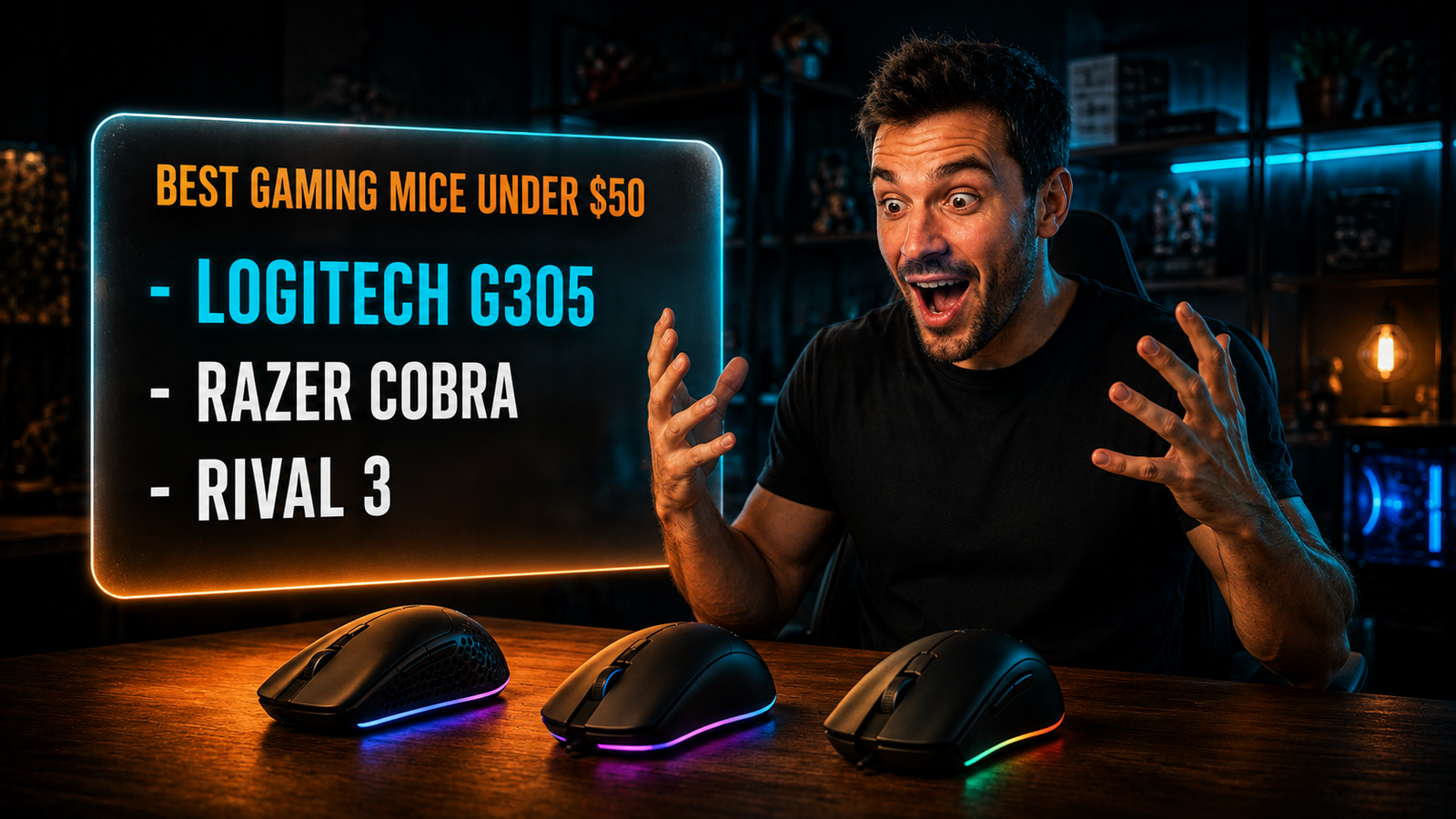
The Logitech G305 Lightspeed is the best gaming mouse under $50 for most people — true lag-free wireless with a flagship HERO sensor for around $40. For competitive FPS players who want the lightest possible mouse, the Razer Cobra weighs just 58g. On the tightest budget, the SteelSeries Rival 3 Gen 2 delivers pro-grade tracking for around $30.
The Sensor Gap Has Closed — Here’s What Actually Matters Now
Sensor quality is no longer what separates a budget gaming mouse from a premium one, and that’s the single most important thing to understand before you spend. Every mouse in this guide uses a sensor accurate enough that a casual or intermediate player will notice zero difference versus a $150 flagship in actual gameplay.
The proof is in how pros play. Over 80% of professional CS2 players use just 400 or 800 DPI — not because higher numbers are bad, but because lower settings give more physical control. Any quality sensor tracking at 800 DPI performs identically whether it’s in a $30 mouse or a $150 one.
So if the sensor is a solved problem, what should you actually judge? Three things: weight, shape, and connection type. In our experience, these are what you’ll feel every single session, while the DPI number on the box is mostly marketing. A 58g mouse feels dramatically different from a 99g one during fast flicks; a 26,000 DPI ceiling versus 8,500 feels like nothing, because you’ll never use more than 1,600. If you’re comparing this against a productivity mouse, our breakdown of the Logitech MX Master 3S vs 4 shows how different a work-focused mouse is from a gaming one.
Weight: The Spec That Actually Changes How You Play
Weight is the single most impactful feature of a gaming mouse, and it’s the one budget shoppers overlook while chasing DPI numbers. A lighter mouse lets you flick faster and stop more precisely, which directly affects your aim in fast games.
The range here is significant. The Razer Cobra weighs just 58g, the SteelSeries Rival 3 Gen 2 is 77g, and the wireless Logitech G305 is 99g with its battery. That 41-gram spread is the difference between a mouse that darts and one that feels planted.
Here’s the counterintuitive part: lighter isn’t automatically better for everyone. Ultra-light mice under 60g suit fast FPS flick-shooting, but some players get more consistent tracking from a heavier mouse that resists jitter. A concrete scenario: a Valorant player doing tiny crosshair adjustments often prefers the featherweight Cobra, while a slower, more deliberate MOBA or MMO player may find the extra stability of a 77-90g mouse steadier. Weight is a preference, not a ranking — match it to how you actually move.
Wired vs Wireless Under $50: The Real Trade-Off
Wired gives you more performance per dollar under $50, but wireless has finally become genuinely good at this price. This is the key decision that determines which of these three you pick.
Under $50, a wired mouse puts more of the budget into the sensor, switches, and build, because there’s no wireless module to pay for. The Razer Cobra and Rival 3 Gen 2 are both wired, and that’s why they can offer 58g and 77g bodies with premium switches at their price.
Wireless used to mean compromise, but the Logitech G305 changed that. It delivers true 1ms Lightspeed wireless — genuinely lag-free, not Bluetooth — for around $40, running 250 hours on a single AA battery. What most reviews won’t tell you: the trade-off you pay for that affordable wireless is weight. The G305 is 99g because of the battery, making it the heaviest here. So the real choice is wireless-but-heavier (G305) versus wired-but-lighter (Cobra, Rival 3). For a clean desk, wireless also helps — see our guide to cable management solutions.
Best Gaming Mouse Under $50: Comparison Table
| Product | Price | Best For | Rating |
|---|---|---|---|
| Logitech G305 Lightspeed | ~$40 | Best wireless under $50 | 9/10 |
| Razer Cobra | ~$40 | Best lightweight for FPS | 9/10 |
| SteelSeries Rival 3 Gen 2 | ~$30 | Best value | 8.5/10 |
Detailed Reviews
Logitech G305 Lightspeed — Best Wireless Under $50
The Logitech G305 Lightspeed is the best wireless gaming mouse under $50 because it delivers genuine 1ms lag-free wireless, not Bluetooth, at around $40. It runs Logitech’s HERO 12K sensor, lasts up to 250 hours on a single AA battery, and includes 6 programmable buttons with onboard memory.
Who it’s for: anyone who wants true competitive wireless without paying the usual $80+ premium.
Real-world detail: The 250-hour battery life on one AA means you can game for months without thinking about charging — unusual at any price, let alone under $50.
Pros: True 1ms Lightspeed wireless, flagship HERO sensor, 250-hour battery, onboard memory, compact ambidextrous shape.
Cons: 99g is the heaviest here due to the battery, 1000Hz polling ceiling, no RGB.
Razer Cobra — Best Lightweight for FPS
The Razer Cobra is the pick for competitive FPS players because at just 58g it’s the lightest mouse here, built for fast flicks and precise stops. It uses Gen-3 optical switches rated for 90 million clicks with a 0.2ms actuation, an 8,500 DPI sensor, and 100% PTFE feet for smooth glide.
Who it’s for: FPS players who prioritize a featherweight body and fast, chatter-free optical switches.
Real-world detail: The Gen-3 optical switches eliminate the double-click issue that plagues cheaper mechanical switches over time, so it stays reliable long after budget rivals develop misclicks.
Pros: Ultra-light 58g body, optical switches with no double-click, 100% PTFE feet, flexible Speedflex cable, Chroma RGB.
Cons: Wired only, 8,500 DPI ceiling (irrelevant in practice), no extra thumb buttons for MMO.
SteelSeries Rival 3 Gen 2 — Best Value
The SteelSeries Rival 3 Gen 2 is the best value gaming mouse, delivering pro-grade tracking for around $30. It pairs a TrueMove Core 8,500 DPI optical sensor with switches rated for 60 million clicks, a 77g lightweight body, and 100% PTFE feet.
Who it’s for: budget-focused gamers who want reliable, comfortable performance at the lowest price.
Real-world detail: At around $30 it uses the same 60-million-click switch durability found in far pricier SteelSeries mice, so you’re not sacrificing longevity to save money.
Pros: Lowest price here around $30, 60-million-click durability, comfortable 77g ergonomic shape, 100% PTFE feet, RGB.
Cons: Wired only, right-handed ergonomic shape only, fewer frills than pricier options.
What to Look for When Choosing a Gaming Mouse Under $50
1. Weight over DPI. Weight is what you’ll feel every session; DPI above 1,600 is marketing you’ll never use. Decide whether you want ultra-light (under 60g) for fast flicks or a heavier body for steady tracking, and ignore the DPI ceiling.
2. Wired vs wireless. Wired gives more performance per dollar and lighter bodies; wireless (specifically the G305’s Lightspeed) offers a cleaner desk and freedom at the cost of some weight. Only true low-latency wireless counts — avoid Bluetooth-only for gaming.
3. Switch type and durability. Optical switches (like the Cobra’s) resist the double-click failure that kills cheaper mechanical switches over time. Look for a stated click lifespan of 60 million or more for long-term reliability.
4. Shape and grip. Match the shape to your grip. Ambidextrous shapes (G305, Cobra) suit claw and fingertip grips and both hands; ergonomic right-handed shapes (Rival 3) favor palm grip. This is personal, so prioritize a shape that fits your hand.
5. Skip the features you won’t use. RGB, 26,000 DPI, and 8,000Hz polling look good on a box but rarely change gameplay under $50. Spend your budget on sensor quality, weight, and switch durability instead.
FAQ
Is a gaming mouse under $50 good enough for competitive gaming?
Yes — a gaming mouse under $50 is more than good enough for competitive play in 2026, because the sensor gap between budget and flagship mice has essentially closed. Mice like the Logitech G305 and Razer Cobra track just as accurately as $150 models at the DPI settings pros actually use. What you give up at this price is extras like premium materials and higher polling rates, not core performance.
Are wired or wireless gaming mice better under $50?
Wired gaming mice offer more performance per dollar under $50, since the budget goes into the sensor and build instead of a wireless module. However, the Logitech G305 proves wireless can be excellent at this price, delivering true 1ms lag-free performance for around $40. Choose wired for the lightest weight, or the G305 if a cable-free desk matters more.
How much DPI do I actually need for gaming?
Most gamers need far less DPI than marketing suggests — over 80% of pro CS2 players use just 400 to 800 DPI. Any mouse in the sub-$50 range with 8,500 DPI or more has vastly more sensitivity than you’ll ever use. Focus on sensor quality and weight rather than the DPI number on the box.
Does mouse weight really matter for gaming?
Yes, mouse weight noticeably affects how you play — a lighter mouse enables faster flicks and more precise stops, which matters in fast games. A 58g mouse like the Razer Cobra feels dramatically different from a 99g one during rapid movements. That said, weight is a personal preference: some players get steadier tracking from a slightly heavier mouse.
Our Final Verdict
For most players, the Logitech G305 Lightspeed is the best gaming mouse under $50 — true lag-free wireless and a flagship sensor for around $40, with a battery that lasts months. It proves you no longer pay a premium for competitive wireless. See the full breakdown of what actually matters and wired vs wireless above.
If you want the lightest mouse for FPS, the Razer Cobra at 58g is the pick, and the SteelSeries Rival 3 Gen 2 delivers pro-grade tracking for around $30. Check current pricing on Amazon and get flagship aim without the flagship price.