
This article contains affiliate links. We may earn a commission if you buy through our links, at no extra cost to you.
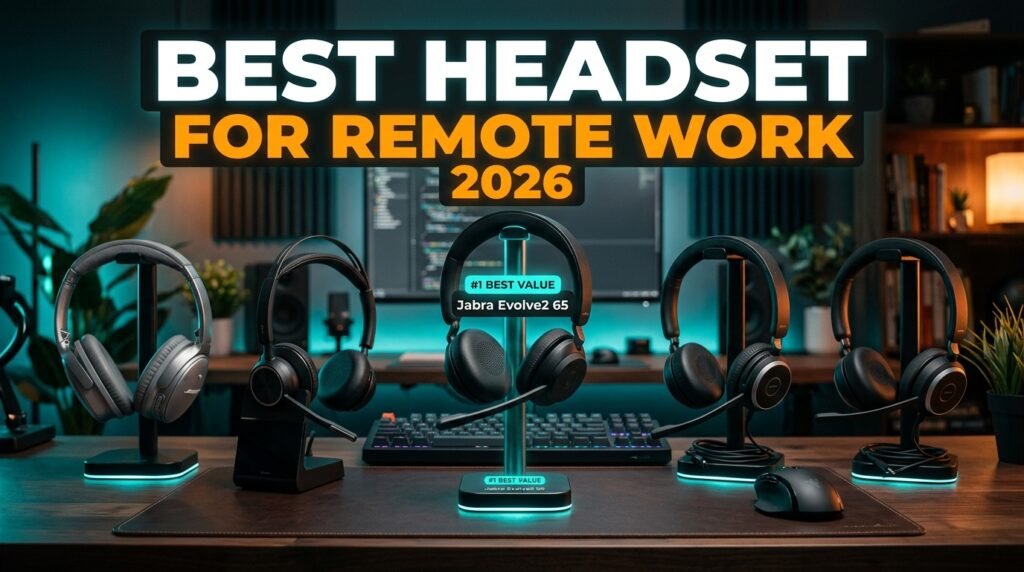
Best Headset for Remote Work in 2026
The headset you wear during video calls is making a statement about you before you open your mouth. A tinny laptop microphone, background noise bleeding through, constant audio drop-outs — these are the things that make colleagues and clients tune out before the conversation starts. The best headset for remote work solves the audio problem permanently: your voice comes through clearly, background noise stays out, and you can wear it for 8 hours without your ears aching.
After researching the remote work headset category in depth — comparing microphone technology, noise cancellation, comfort for extended wear, and platform compatibility — here is what actually works for home office professionals in 2026.
This guide covers five headsets across every use case, from the wireless professional standard to the best budget wired option.
Quick Answer
The Jabra Evolve2 65 is the best headset for remote work for most professionals — 37 hours of wireless battery, 3-microphone call technology, and passive noise cancellation that eliminates open-plan office noise, certified for Microsoft Teams, Zoom, and every major platform. For users who prioritize call clarity above everything else, the Poly Voyager Focus 2 with its dedicated boom microphone produces the clearest voice capture of any wireless headset in this price range.
Why Your Current Audio Setup Is Costing You Professionally
Most remote workers underestimate how much their audio quality affects their professional perception. You can’t hear yourself the way your colleagues hear you on calls — and the gap between “fine” and “good” audio is larger than most people realize until they upgrade.
Research consistently shows that poor audio quality on video calls produces measurable negative outcomes: participants rate speakers with poor audio as less competent and less credible than identical content delivered with clear audio. A 2014 study in the Proceedings of the National Academy of Sciences found that audio quality directly influenced how trustworthy and intelligent speakers were perceived to be. That study was conducted before the mass migration to remote work multiplied the number of hours professionals spend on calls by 3-4x.
The specific problems that a quality headset solves: background noise pickup that distracts listeners and fragments focus, microphone placement 18+ inches from the mouth that produces hollow echoey audio, and audio dropouts from Bluetooth implementations that haven’t been optimized for voice transmission specifically.
The counterintuitive point: the best headset for remote work is not necessarily the one with the most features — it’s the one you’ll actually wear for 8 hours comfortably. A technically superior headset that causes ear pain by noon produces worse professional outcomes than a mid-range headset you wear all day without thinking about it. Comfort is a specification, not an afterthought.
For remote workers building a complete audio setup, see our guide on the best microphone for video calls — if you spend more time on video calls than voice calls, a dedicated desk microphone paired with open-back headphones may outperform any headset on this list.
Headset vs Headphones vs Earbuds — What Remote Workers Actually Need
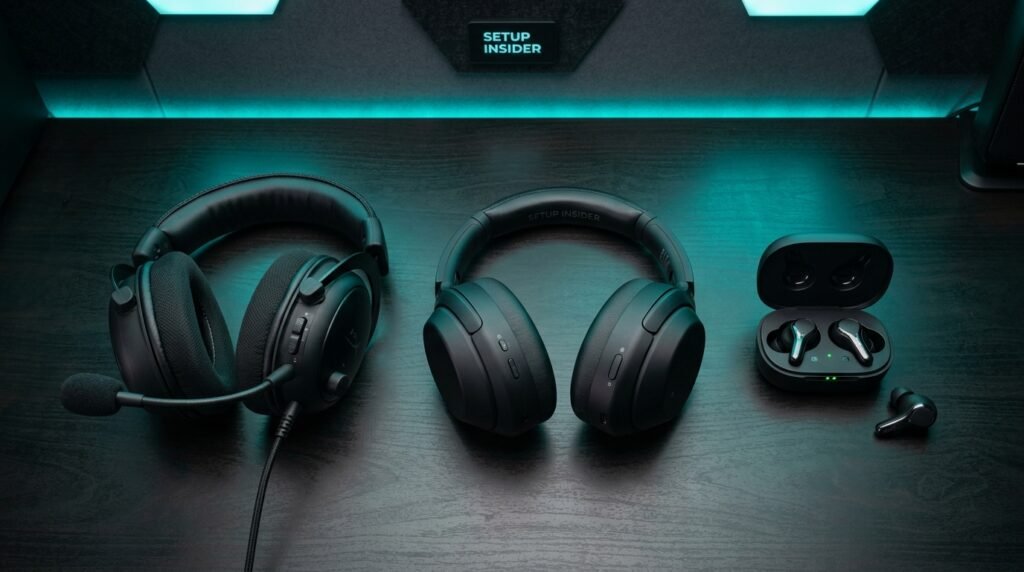
The terminology is used interchangeably in most headset reviews, but the distinctions matter for remote work use cases.
Headsets have a dedicated boom microphone arm that positions the microphone 1-3 inches from your mouth — dramatically closer than any microphone built into a headband or earbud. This proximity is the primary reason professional headsets produce better call audio than wireless headphones with built-in microphones. The boom mic picks up your voice as the dominant signal with minimal room reflection. For anyone on 6+ hours of calls per day, a dedicated boom microphone headset produces audibly better results than even premium headphones with sophisticated noise-canceling microphone arrays.
Wireless headphones with built-in microphones — like the Bose QuietComfort or Sony WH-1000XM series — use multi-microphone beamforming to capture voice from 12-18 inches away. The technology is impressive and produces adequate call quality. For professionals on 2-4 hours of calls per day who also want excellent music listening, the hybrid use case justifies this format.
Earbuds like AirPods Pro are convenient but problematic for full workday remote work use. Sealed in-ear monitoring for 8 hours causes ear fatigue that over-ear headsets don’t produce. The microphones are positioned further from the mouth than boom mics. Battery life rarely exceeds 6 hours. For short call windows or travel, excellent. For a full remote workday, the wrong tool.
In our experience, professionals who switch from AirPods Pro to a dedicated boom-mic headset for their call-heavy days consistently report that colleagues immediately notice the audio quality improvement — sometimes commenting directly on it the first week.
For a broader look at the home office audio and video setup, see our guide on the best webcam for home office — audio and video upgrades compound together more effectively than either alone.
What Makes a Remote Work Headset Different from a Gaming or Music Headset
Gaming headsets and music headphones are designed for different priorities than remote work headsets, and the differences are functionally meaningful.
Gaming headsets optimize for spatial audio positioning and surround sound simulation. The microphones are designed for gaming chat — adequate at close range, acceptable in a quiet room, but not optimized for professional call environments with variable background noise. The aesthetic is frequently not appropriate for video calls where the headset is visible.
Music headphones prioritize audio quality for playback — a v-shaped frequency response that boosts bass and treble to create an engaging listening signature. This same frequency response makes voices on calls sound unnatural — thinner than they actually are. Premium music headphones with call features (Sony WH-1000XM5, Apple AirPods Max) produce good but not great call audio because the microphone placement and processing prioritize voice isolation, not professional voice reproduction.
Professional remote work headsets (Jabra, Poly, EPOS) are engineered specifically for voice communication — flat frequency response for natural voice reproduction, boom microphone placement for optimal voice pickup, certified compatibility with Teams/Zoom/Meet, and multi-day battery designed for continuous use patterns rather than periodic music listening.
The real-world implication: a $150 Jabra Evolve2 40 will produce better call audio than a $350 Sony WH-1000XM5 for remote work use, because the Jabra is purpose-built for the application while the Sony is a music headphone with call features added.
The 5 Best Headsets for Remote Work in 2026
1. Jabra Evolve2 65 — Best Overall Wireless (~$199-249)
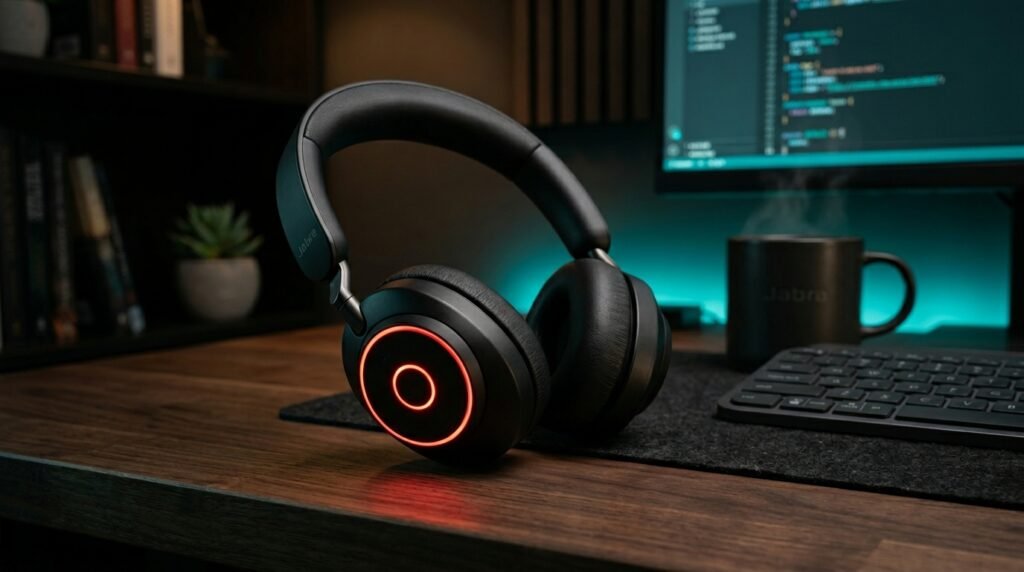
The Jabra Evolve2 65 is the professional wireless headset benchmark — the one that enterprise IT departments deploy and individual remote professionals upgrade to when they want the problem solved permanently. 37 hours of wireless battery at a single charge, 3-microphone call technology that reduces background conversation noise by 35%, passive noise isolation from the ear cushion design, and a redesigned busylight visible from 360 degrees that signals your availability to housemates and open-plan colleagues.
Certified for Microsoft Teams in the MS version and compatible with all UC platforms including Zoom, Google Meet, Webex, and Cisco. Connects via Bluetooth plus the included Link380a USB adapter — dual-device connectivity means you can take a phone call through the headset while staying connected to your computer simultaneously. The 40mm speaker drivers produce speaker quality that makes music listening actually enjoyable rather than just functional.
Real-world scenario: a project manager running 8 hours of Teams calls and needing a headset that goes from 9am to 5pm without charging, looks professional on video, and works identically on her MacBook and her iPhone simultaneously — the Evolve2 65 is the complete answer.
Pros: 37-hour battery, 3-mic call technology, 360-degree busylight, dual-device Bluetooth, MS Teams and UC platform certified, 40mm speakers, passive noise isolation, professional aesthetic. Cons: $199-249 price point, passive rather than active noise cancellation, on-ear rather than over-ear (less isolation than around-ear designs), heavier than some competitors at 176g.
2. Poly Voyager Focus 2 UC — Best for Call Clarity (~$149-199)
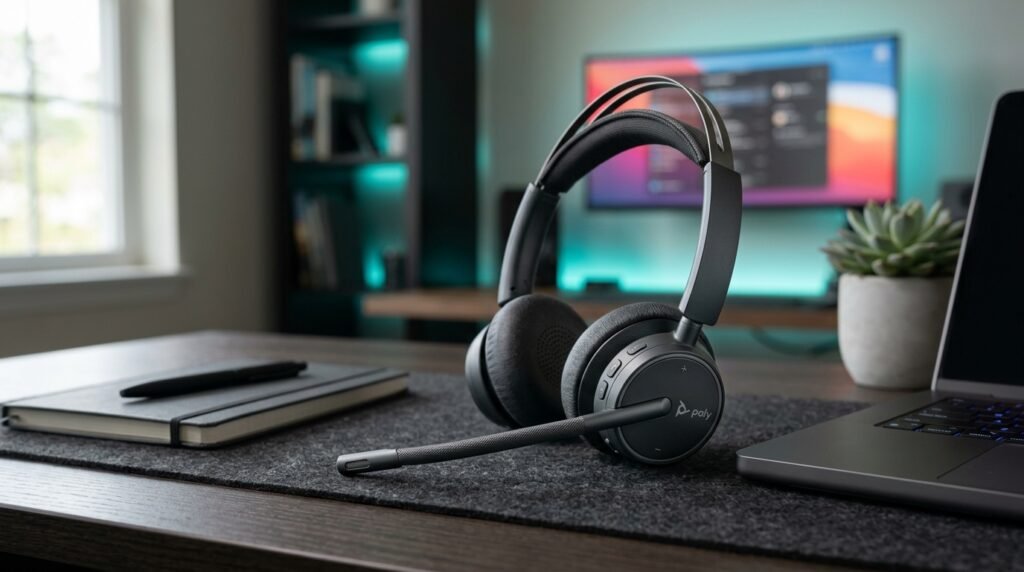
The Poly Voyager Focus 2 UC is the recommendation for professionals whose primary criterion is the clearest possible voice on calls — regardless of environment. The boom microphone arm positions the microphone 2 inches from the mouth with three-microphone noise cancellation that reduces background noise with an accuracy that over-ear headband microphones can’t match at any price point. Active noise cancellation on the ear cups blocks incoming environmental sound.
Bluetooth 5.1, 19 hours of talk time on a single charge, pairs to two devices simultaneously, USB-A Bluetooth adapter included. Works with Teams, Zoom, Google Meet, and all major UC platforms. Fold-flat design for portability. The charging stand sold separately is worth buying — dropping the headset on the stand at the end of each day eliminates the “my headset is dead mid-call” scenario entirely.
In our experience, the Poly Voyager Focus 2 produces the most consistent call audio quality across environments — from a quiet home office to an open-plan coworking space with significant background noise. The boom mic proximity advantage is most apparent in noisy conditions.
Pros: Boom microphone with 3-mic noise cancellation, active noise cancellation for listening, Bluetooth 5.1, 19-hour talk time, dual-device pairing, USB-A adapter included, Teams/Zoom certified, fold-flat design. Cons: $149-199 price, 19-hour battery less than Jabra Evolve2 65’s 37 hours, boom arm not removable (always visible on video calls), charging stand sold separately.
3. Bose QuietComfort Headphones — Best for Mixed Use (~$279-329)
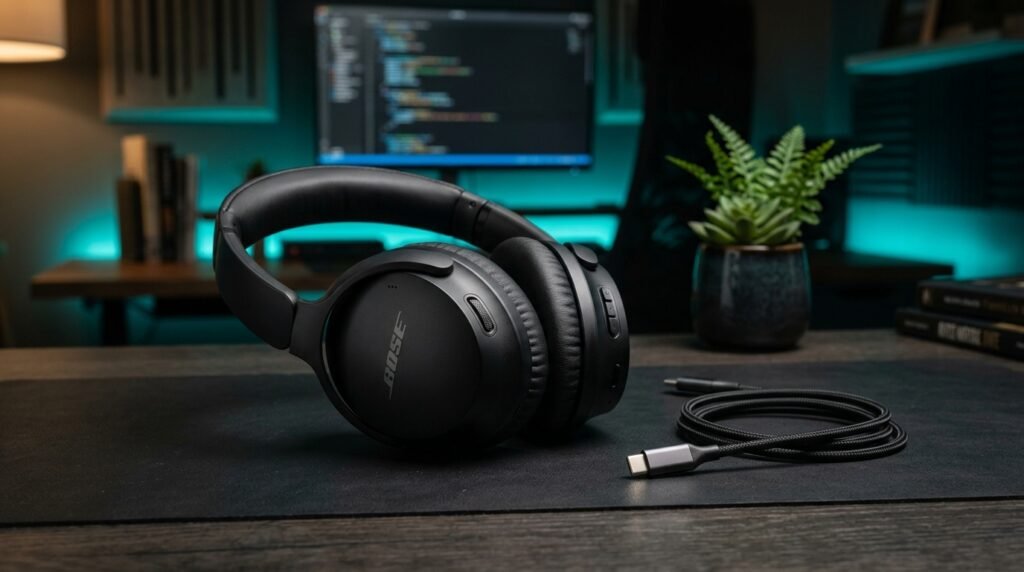
The Bose QuietComfort is the recommendation for remote workers who need professional call quality for moderate call volumes (2-4 hours daily) and want the best possible music and focus listening for the rest of the workday. The ANC is among the best available in consumer headphones — significantly better than the passive noise isolation of professional headsets — and the sound quality for music and focus sessions is genuinely excellent. Quiet Mode and Aware Mode toggle between full noise cancellation and ambient awareness.
For video calls, the built-in microphone array produces good (not great) voice capture — adequate for professionals who don’t spend the majority of their workday on calls. Multipoint Bluetooth connects two devices simultaneously. 24-hour battery with USB-C charging. The included cable allows wired use when battery depletes.
What most reviews won’t tell you about the Bose QuietComfort for remote work: the ANC quality for deep focus work is its actual differentiator over professional headsets — 2 hours of silent, distraction-free writing or analysis between calls produces better total workday outcomes for some professionals than marginally better call audio. Match the tool to your actual work pattern.
Pros: Industry-leading ANC for focus work, excellent music audio quality, 24-hour battery, USB-C charging, multipoint Bluetooth, Quiet and Aware modes, comfortable for extended wear, premium build quality. Cons: No dedicated boom microphone — call audio good but not professional headset quality, $279-329 price is the highest on this list, no busylight, not purpose-built for call-heavy workflows.
4. Jabra Evolve2 40 UC Wired — Best Wired Option (~$99-129)
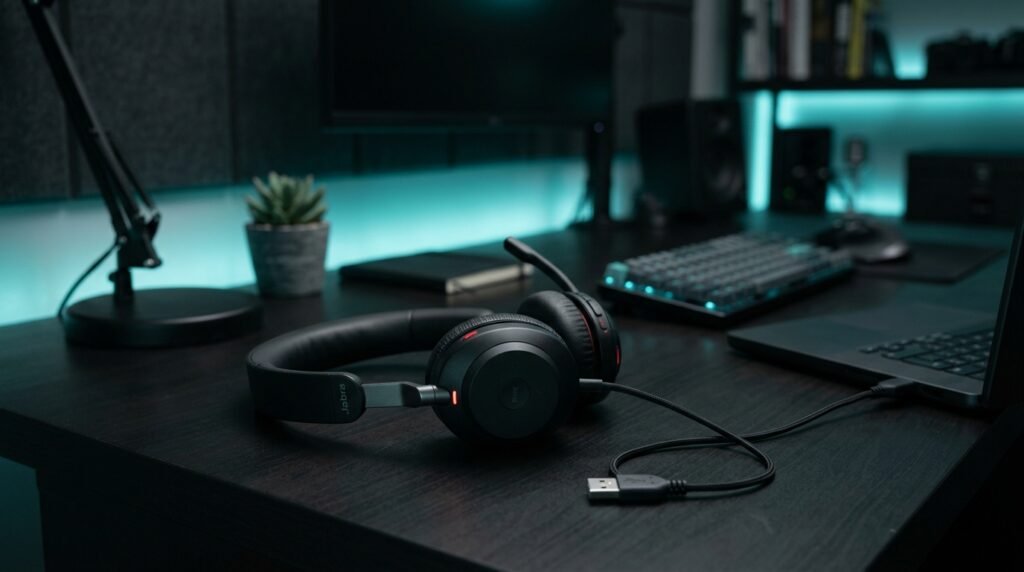
The Jabra Evolve2 40 UC is the wired professional headset for home office workers who want the call quality of the Jabra Evolve2 lineup without the wireless premium — and who don’t need to walk away from their desk during calls. USB-A connection, 3-microphone call technology (the same architecture as the Evolve2 65), passive noise cancellation from the redesigned ear cushion, busylight, and the same platform certifications as the wireless version at significantly lower cost.
The wired connection eliminates the one reliability variable that wireless headsets introduce — Bluetooth interference, battery depletion mid-call, and the 1-second latency that some users notice in wireless audio. For a fixed desk workstation in a dedicated home office, wired is a legitimate choice that removes variables rather than a compromise.
At $99-129, it’s the most affordable option on this list with professional-grade microphone technology. The USB-A connector works with any laptop hub or computer directly — no driver installation required.
Pros: Professional 3-mic call technology at entry-level price, zero latency wired connection, busylight, passive noise isolation, all platform certified, plug-and-play USB-A, no battery to manage. Cons: Wired limits movement to desk distance from computer, no wireless flexibility, cable management required, USB-A only (no USB-C native connection), no active noise cancellation.
5. Jabra Evolve2 40 SE (2026) — Best Budget Professional (~$79-99)
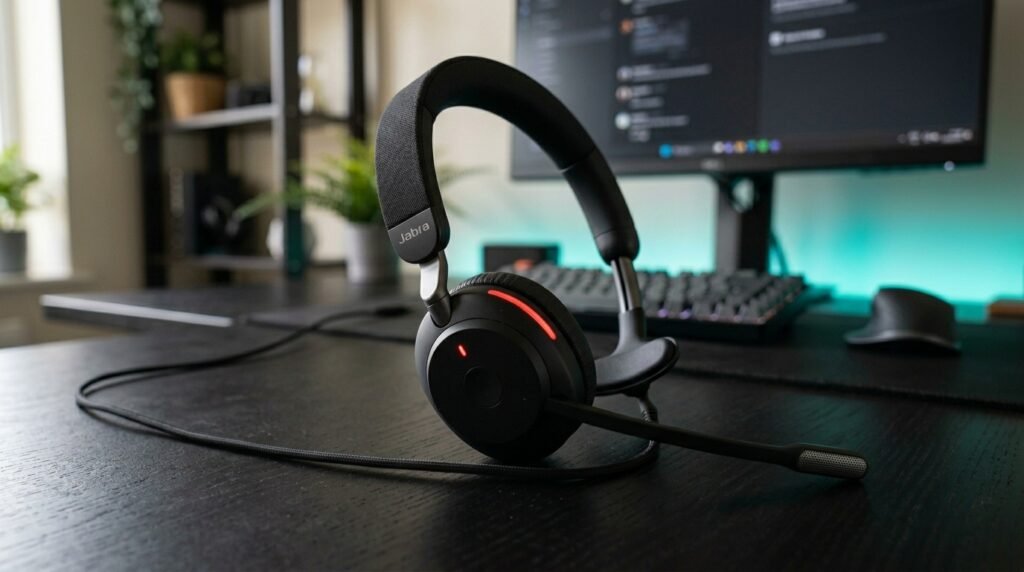
The Jabra Evolve2 40 SE is Jabra’s 2026 updated entry-level professional headset — mono (single ear) design with the 3-microphone call technology, improved busylight visibility from any direction, and USB-C plus USB-A cable included in the box. The mono design leaves one ear open to the environment — preferred by professionals who need to stay aware of office sounds (children, doorbell, housemates) while on calls.
At $79-99, it’s the most affordable certified professional headset available with genuine multi-microphone call technology. Not the right choice for professionals who want music listening capability or stereo audio — the mono design is specifically for call-heavy workflows where ambient awareness matters more than audio immersion.
Real-world scenario: a customer success manager who takes back-to-back calls for 6 hours but needs to hear when her kids come home from school — the mono design keeps one ear free throughout the day without removing the headset between calls.
Pros: Most affordable professional headset on this list, 3-mic call technology, improved 2026 busylight, USB-C and USB-A included, certified for all major platforms, mono design for ambient awareness, lightweight at 113g. Cons: Mono only — no stereo audio or music listening, no wireless option in this model, wired only, basic build quality versus premium Jabra lineup, cable management required.
Comparison Table
| Product | Price | Type | Best For | Rating |
|---|---|---|---|---|
| Jabra Evolve2 65 | ~$220 | Wireless | Best overall remote work headset | 9.5/10 |
| Poly Voyager Focus 2 | ~$170 | Wireless | Best boom mic call clarity | 9/10 |
| Bose QuietComfort | ~$300 | Wireless | Best for mixed calls and focus work | 8.5/10 |
| Jabra Evolve2 40 UC Wired | ~$115 | Wired | Best wired professional option | 8.5/10 |
| Jabra Evolve2 40 SE 2026 | ~$89 | Wired Mono | Best budget professional headset | 8/10 |
What to Look for When Choosing a Headset for Remote Work
1. Microphone type and placement for your call volume If you’re on calls 4+ hours daily, a dedicated boom microphone is the single most impactful specification — it positions the mic 1-3 inches from your mouth versus 12-18 inches for headband microphones. The proximity advantage produces dramatically better voice clarity in noisy environments. Under 3 hours of daily calls, a headband microphone array is adequate. Over 4 hours, the boom mic difference is consistently noticeable to everyone on the call.
2. Battery life matched to your workday A headset that dies at 3pm requires either charging during the workday (during which it may be unusable) or a wired fallback. For 8-hour workdays, target 20+ hours of talk time — the Jabra Evolve2 65’s 37 hours provides a full week of 8-hour days without charging. The Poly Voyager Focus 2’s 19 hours covers a full workday with buffer. Anything under 15 hours of talk time requires daily charging discipline.
3. Platform certification for your call software “Works with Zoom” printed on a box and “Certified for Zoom” are different things. Certified headsets have been validated for full feature integration — answer/end call button, mute sync with the software client, volume control, and hold functionality all work from the headset hardware without touching your computer. Non-certified headsets often work for audio but lose the hardware control integration that makes call management efficient.
4. Comfort for extended wear Try any headset you’re considering for at least 30 minutes before committing — ear pain, pressure headaches, and neck fatigue from headset weight all develop over the first 2-3 hours and are difficult to predict from a 5-minute in-store trial. Memory foam ear cushions, adjustable headbands, and weight distribution across the headband are more important for 8-hour workdays than any audio specification. A headset that causes discomfort will be taken off, which eliminates all the audio quality benefits you paid for.
5. Wireless range and reliability for your setup Most Bluetooth headsets are rated for 30-100 feet of range in open space. In a typical home with walls, 2.4GHz interference from routers, and competing Bluetooth devices, practical range is 20-40 feet. If you need to move between rooms while on a call — kitchen to home office, office to backyard — test range specifically in your environment. Jabra’s Link380a USB adapter consistently performs better than native laptop Bluetooth for audio headsets due to dedicated antenna design.
FAQ
What’s the difference between a headset and noise-cancelling headphones for remote work?
A headset has a dedicated boom microphone positioned close to your mouth — producing better voice capture for calls than any headband or earbud microphone. Noise-cancelling headphones use active noise cancellation to block incoming sound and built-in microphone arrays to capture your voice from further away. Headsets win on outgoing call audio quality. Premium noise-cancelling headphones win on ANC for focus work and music listening. For call-heavy remote workers (4+ hours daily), the headset is the better professional tool. For hybrid workers with moderate call volume and significant solo focus time, premium headphones are worth considering.
Do I need a certified headset for Microsoft Teams or Zoom?
Not strictly required — any USB audio device works with Teams and Zoom for basic audio. Certified headsets provide deeper integration: hardware buttons that sync with the software for mute, volume, call answer and end, and meeting join. For professionals who manage multiple calls per day, having a physical mute button that reliably syncs with Teams (rather than clicking the screen mute button) eliminates the “I thought I was muted” scenario that derails calls. Certification is worth the minor premium for daily heavy users.
How long should a remote work headset last?
Quality professional headsets from Jabra, Poly, and EPOS are designed for 3-5 years of daily use. Consumer headsets from audio brands (Bose, Sony) typically last 2-4 years depending on build quality and usage pattern. The components most likely to fail first are the ear cushion foam (compresses and loses comfort over 1-2 years — replaceable on most professional headsets), the cable at the USB connector (wired models), and the Bluetooth module. Choosing a headset with replaceable ear cushions extends the useful life significantly.
Can I use a gaming headset for remote work?
Yes, with caveats. Gaming headsets produce adequate call audio for casual remote work — the boom microphones are designed for voice transmission and work with any platform. The limitations: gaming headset aesthetics are inappropriate for professional video calls where the headset is visible, platform certification is absent (hardware buttons rarely sync with Teams or Zoom), and the audio processing is often optimized for gaming chat rather than professional call environments. For a home office where you’re off-camera, a gaming headset works. For regular video calls in a professional context, a purpose-built work headset produces better results and looks more appropriate.
Our Final Verdict
The best headset for remote work in 2026 is the Jabra Evolve2 65 for most professionals — 37-hour wireless battery, professional 3-mic call technology, certified for every major platform, and comfortable enough to wear all day without thinking about it. The Poly Voyager Focus 2 wins on call clarity specifically, with its dedicated boom microphone outperforming every wireless headband microphone in noisy environments.
The Bose QuietComfort is the right choice for professionals who split their day between calls and deep focus work where ANC matters. The Jabra Evolve2 40 UC Wired delivers professional call quality at the best value for fixed desk setups. And the Jabra Evolve2 40 SE is the budget professional option for call-heavy mono workflows. Check current pricing on Amazon for all five options.