
This article contains affiliate links. We may earn a commission if you buy through our links, at no extra cost to you.
If your eyes feel tired, dry, or sore by midafternoon despite sleeping well, your monitor is almost certainly contributing to the problem. Digital eye strain — clinically called computer vision syndrome — affects approximately 65% of regular computer users, and the monitor itself is the primary variable most people never address. Switching to blue light glasses or adjusting brightness helps at the margins. The best monitor for eye strain addresses the root causes: flicker from PWM dimming, blue light emission at the hardware level, low pixel density that forces your eyes to work harder to resolve text, and poor color temperature calibration that fatigues the visual system over long sessions.
After researching the display technologies that most directly affect eye fatigue and comparing the monitors that implement them most effectively, here is what actually works for reducing eye strain in 2026. For context on how monitor choice fits into a complete ergonomic desk setup, see our guide on the best monitor arm for desk — correct monitor height reduces eye strain as much as panel technology does.
Quick Answer
The ASUS ProArt PA278CGV is the best monitor for eye strain for most desk workers — TÜV Rheinland certified flicker-free and hardware low blue light, factory-calibrated color accuracy, and an IPS panel that maintains consistent image quality across the viewing angles that shift naturally during a long workday. For a budget option that prioritizes the same anti-fatigue technologies, the BenQ GW2790 delivers TÜV Rheinland-certified eye care at under $200. For maximum pixel density and text sharpness, the LG 27UP850N-W delivers 4K at 163 PPI. For compact desk setups, the Dell UltraSharp U2422H offers hardware low blue light with Dell’s quality. Remote workers who need eye care on the go should look at the ASUS ZenScreen MB249C.
What Actually Causes Eye Strain From Monitors
Most people blame eye strain on “too much screen time” and treat it with breaks or blue light glasses. Both help, but neither addresses the display-level factors that determine how hard your visual system works per hour of screen use.
PWM flicker is the most underappreciated cause of monitor-related eye fatigue. Most monitors control backlight brightness by rapidly switching the backlight on and off — Pulse Width Modulation — at rates between 200Hz and 1000Hz. At lower brightness settings, the duty cycle decreases and the flicker becomes more pronounced. While the flicker is too fast to consciously perceive, the visual system detects and responds to it subconsciously, causing muscle fatigue in the eyes over hours of use. Flicker-free monitors use DC dimming instead, maintaining constant backlight output regardless of brightness setting. The difference in end-of-day eye fatigue between a PWM monitor and a flicker-free monitor is real and measurable for sensitive users.
Blue light emission from LED backlights peaks at approximately 450nm — within the high-energy visible light spectrum that research associates with retinal photoreceptor stress and disruption of melatonin production. Hardware-level blue light reduction — built into the panel or backlight rather than applied as a software filter — reduces emission at the source without the color distortion that software blue light filters produce.
Low pixel density is the eye strain factor most directly addressed by monitor choice. At low PPI, your eyes continuously attempt to resolve the boundaries between pixels to read text — a process called accommodation demand that increases ciliary muscle workload. At high PPI — 109+ at 1440p on 27 inches, 163+ at 4K on 27 inches — text edges are sharp enough that the eyes resolve them easily, reducing the sustained focusing effort that causes fatigue in low-resolution displays.
The counterintuitive point: a high-brightness monitor in a bright room causes less eye strain than a low-brightness monitor in a dark room. The greatest source of eye fatigue from brightness is contrast between the screen and the surrounding environment — a bright screen in a dark room forces the pupils to simultaneously accommodate for both, producing the visual equivalent of looking from a spotlight into a dark room repeatedly. Matching screen brightness to ambient room brightness is more effective than simply reducing brightness. For complete 27-inch monitor options across every price point, see our guide on the best 27 inch monitor for work — pixel density and eye strain reduction overlap significantly with the work monitor buying decision.
The Technologies That Actually Reduce Eye Strain
TÜV Rheinland Flicker Free certification means the monitor has been independently tested and verified to produce no detectable flicker at any brightness level. This is the most reliable flicker-free certification available — more rigorous than manufacturer self-certification. Monitors carrying this certification use DC dimming rather than PWM and have been verified to meet the standard by an independent testing body.
TÜV Rheinland Low Blue Light certification means hardware-level blue light reduction has been verified to reduce high-energy blue light emission without software filtering. The distinction from software filters matters — hardware reduction changes the spectral output of the backlight itself, maintaining color accuracy while reducing the specific wavelengths associated with retinal stress. Software filters reduce blue light by adding a yellow tint overlay that distorts all colors equally.
IPS panel technology maintains consistent color and image quality across viewing angles up to 178 degrees. During a long workday, your viewing angle to the monitor changes continuously as you shift posture, lean forward, and turn toward other screens or people. On a TN panel, these angle shifts produce visible color shifts that require the visual system to continuously readapt. IPS maintains consistent image quality through these shifts, reducing the visual adaptation workload that compounds into fatigue over hours.
High pixel density — 109 PPI minimum for comfortable text work at standard desk distances — reduces the accommodation demand on the ciliary muscles. At 1440p on 27 inches, this threshold is met. At 4K on 27 inches, the 163 PPI pixel density approaches print quality and produces the lowest accommodation demand of any standard monitor size and resolution combination.
The 5 Best Monitors for Eye Strain in 2026
1. ASUS ProArt PA278CGV — Best Overall (~$400-450)
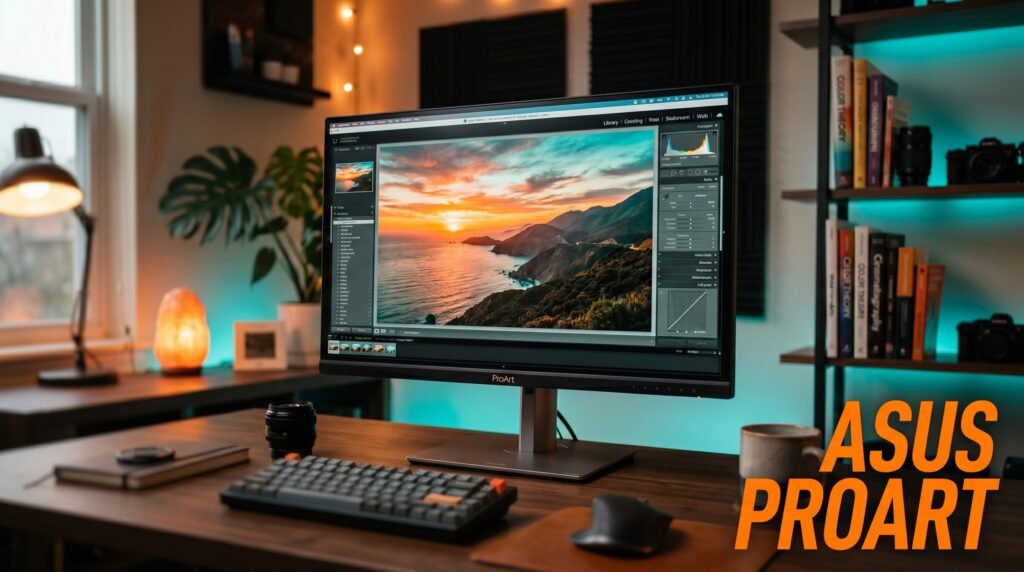
The ASUS ProArt PA278CGV combines TÜV Rheinland Flicker Free, TÜV Rheinland Low Blue Light hardware certification, factory-calibrated color accuracy at Delta E < 2, and 1440p IPS panel quality in a monitor specifically designed for sustained professional use. The ProArt Palette software allows color temperature adjustment without compromising color accuracy — a meaningful feature for workers who need accurate colors in the morning for design work and warmer color temperature in the afternoon to reduce fatigue.
The hardware low blue light implementation maintains accurate color rendering across sRGB and DCI-P3 color spaces while reducing blue light emission — the opposite of software filters that achieve blue light reduction by distorting all colors. At 1440p, pixel density reaches 109 PPI — adequate for most text work at standard viewing distances.
Best for: Professionals who need the most comprehensive eye care certification alongside factory-calibrated color accuracy.
Pros: TÜV Rheinland Flicker Free and Low Blue Light certified, factory-calibrated Delta E < 2, USB-C 90W PD, hardware low blue light without color distortion, 98% DCI-P3, ProArt Palette color management. Cons: 1440p rather than 4K — lower pixel density than 4K alternatives at same size, 75Hz refresh rate.
2. BenQ GW2790 — Best Budget Eye Care Monitor (~$180-200)
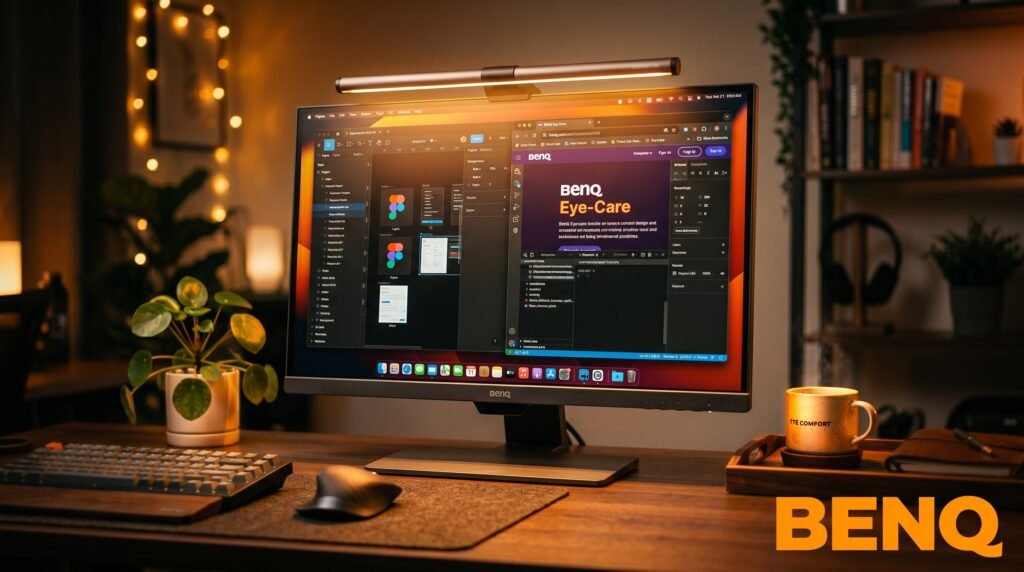
The BenQ GW2790 is the most accessible entry point for certified eye protection in a 27 inch monitor. 100Hz IPS panel, TÜV Rheinland certified flicker-free and low blue light, BenQ’s Brightness Intelligence Gen2 that automatically adjusts screen brightness based on ambient light detection, and 99% sRGB — all for under $200.
The Brightness Intelligence sensor is a feature that monitors at double the price often don’t include — it automatically adjusts screen brightness to match ambient room conditions throughout the day. For workers whose room lighting changes significantly, automatic brightness matching meaningfully reduces the eye fatigue from screen-to-environment brightness contrast that most buyers never think to address.
Best for: Budget-conscious buyers who want TÜV Rheinland-certified eye protection without spending $400+.
Pros: TÜV Rheinland certified flicker-free and low blue light, 100Hz, automatic brightness adjustment sensor, 99% sRGB, IPS panel, under $200, built-in speakers. Cons: 1080p at 27 inches produces 82 PPI — below optimal for text sharpness, no USB-C, no height adjustment on base model.
3. LG 27UP850N-W — Best 4K Eye Care Monitor (~$270-300)
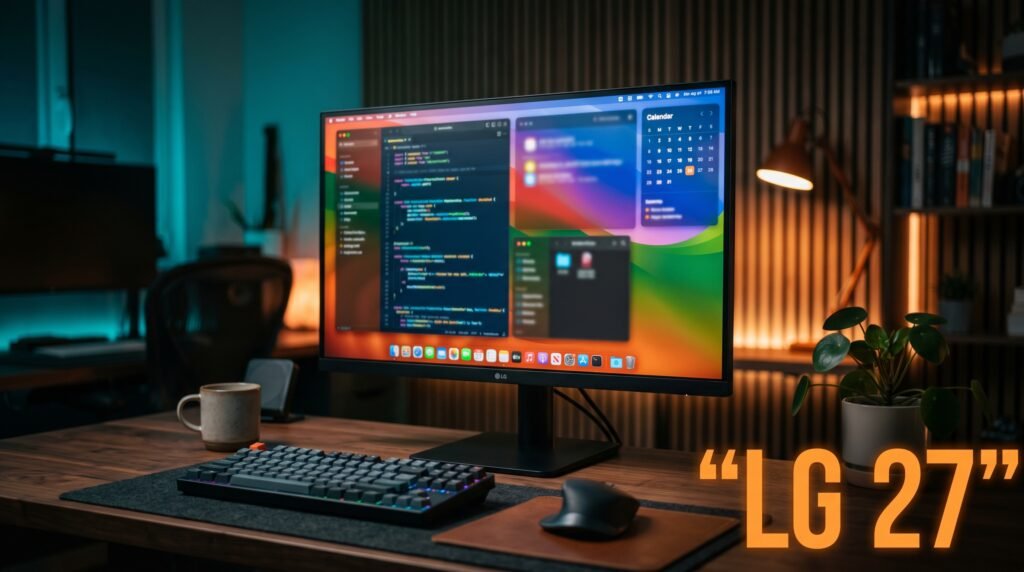
The LG 27UP850N-W combines 4K resolution at 27 inches — 163 PPI for maximum text sharpness — with flicker-free backlight, hardware anti-glare coating, and USB-C 96W Power Delivery in an IPS panel that covers 99% sRGB. The 163 PPI pixel density is the primary eye strain reduction argument for this monitor: text is rendered at near-print quality, eliminating the accommodation demand that drives ciliary muscle fatigue in lower-resolution displays.
LG’s READER mode reduces color temperature to 5000K — warmer than the standard 6500K — without the aggressive yellow cast of software blue light filters. The result is a warmer, more comfortable screen for extended reading sessions that still renders text clearly rather than through a color distortion layer.
Best for: Workers whose primary eye strain driver is reading fine text for extended hours at a desk.
Pros: 4K IPS at 163 PPI for maximum text sharpness, USB-C 96W, flicker-free, READER mode for extended reading, 99% sRGB, hardware anti-glare. Cons: No TÜV Rheinland specific certification, no factory calibration certificate, plastic stand feels less premium than the display quality suggests.
4. Dell UltraSharp U2422H — Best Compact Eye Care Monitor (~$300-350)
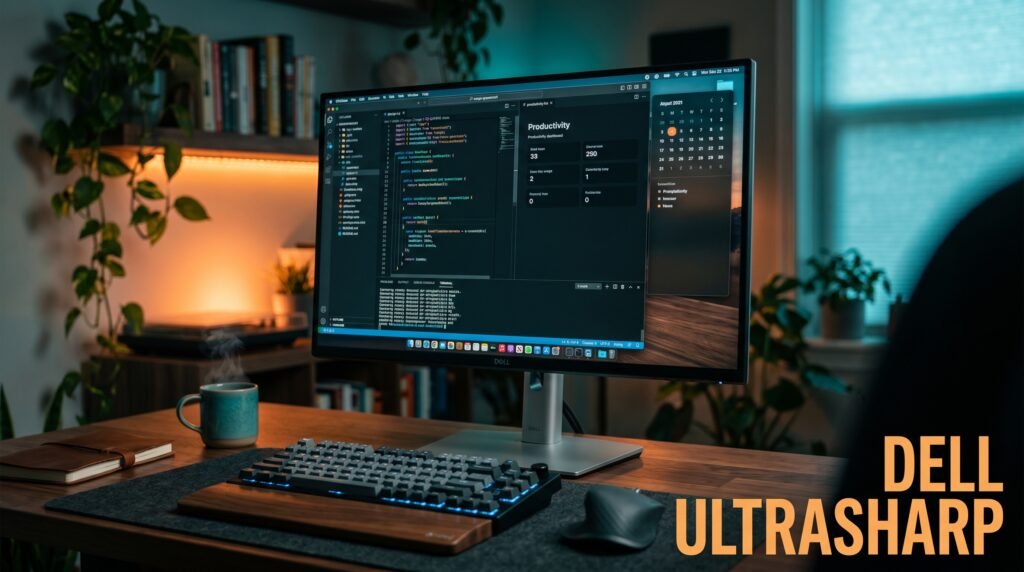
The Dell UltraSharp U2422H is a 24 inch monitor with ComfortView Plus — Dell’s always-on hardware low blue light screen that reduces blue light emissions while maintaining color accuracy without requiring the user to activate any mode or setting. Unlike software blue light reduction that degrades color, ComfortView Plus is built into the panel and active from power-on.
The 24 inch form factor at 1080p produces 92 PPI — better than 1080p at 27 inches (82 PPI) and appropriate for desk setups where viewing distance is closer than 60cm. For workers in compact setups where the monitor sits 45-55cm away, the 24 inch UltraSharp produces a sharper image at that distance than a 27 inch monitor would.
Best for: Workers in compact desk setups who want always-on hardware blue light reduction with Dell’s quality and warranty.
Pros: ComfortView Plus always-on hardware low blue light, flicker-free, Dell UltraSharp IPS quality, full ergonomic stand with height adjustment, 3-year advanced exchange warranty, USB hub. Cons: 1080p resolution limits pixel density, no USB-C Power Delivery for laptop charging, smaller 24 inch screen limits multi-window productivity.
5. ASUS ZenScreen MB249C — Best Portable Eye Care Monitor (~$250-300)
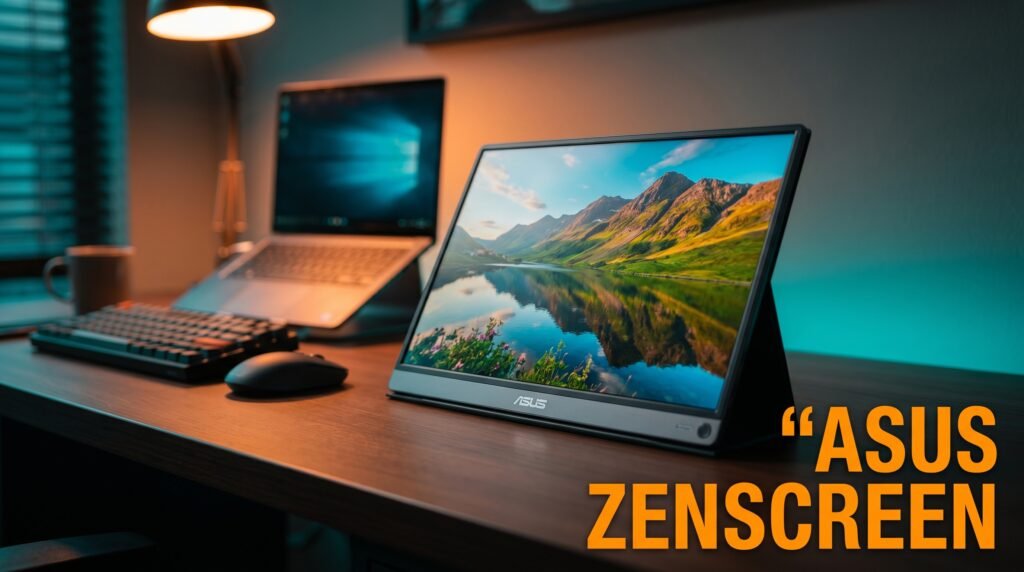
The ASUS ZenScreen MB249C is the recommendation for remote workers who use a laptop in multiple locations and need eye care features in a second screen they can move between locations. TÜV Rheinland Flicker Free and Low Blue Light certified, 24 inch IPS panel, USB-C with 60W power delivery, multiple mounting options including kickstand, C-clamp arm, and partition hook.
The portable monitor category is where eye care certifications matter most and appear least. Most portable monitors use cheap panels with PWM dimming to hit low price points. The ZenScreen MB249C is the exception — TÜV Rheinland certified eye care technologies in a monitor designed for flexible placement across home and office environments.
Best for: Remote workers who move between locations and need certified eye care on a second screen that travels with them.
Pros: TÜV Rheinland certified portable monitor, multiple mounting options, USB-C 60W, IPS panel, 24 inch for genuine productivity, 3-year warranty. Cons: 1080p at 24 inches — adequate but not exceptional pixel density, $250-300 is premium for a portable monitor, requires external adapter for full power.
Comparison Table
| Product | Price | Panel | Best For | Rating |
|---|---|---|---|---|
| ASUS ProArt PA278CGV | ~$425 | 1440p IPS | Best overall eye care | 9.5/10 |
| BenQ GW2790 | ~$190 | 1080p IPS | Best budget eye care | 8.5/10 |
| LG 27UP850N-W | ~$285 | 4K IPS | Best pixel density for text | 9/10 |
| Dell UltraSharp U2422H | ~$325 | 1080p IPS | Best compact eye care | 8.5/10 |
| ASUS ZenScreen MB249C | ~$275 | 1080p IPS | Best portable eye care | 8/10 |
What to Look for When Choosing a Monitor for Eye Strain
1. TÜV Rheinland certification — not manufacturer self-certification TÜV Rheinland Flicker Free and Low Blue Light are independent certifications that require third-party testing. Manufacturer terms like “Eye Care,” “Eye Comfort,” or “Flicker-Safe” without TÜV certification are self-applied labels without independent verification. For eye strain reduction, certified monitors are meaningfully more reliable than uncertified alternatives claiming equivalent features.
2. Flicker-free at all brightness levels Some monitors are flicker-free at high brightness settings but revert to PWM dimming below a certain brightness threshold. Workers who run their monitors at low brightness — darker rooms, evening work — are particularly affected by this limitation. Look for flicker-free certification that specifies the full brightness range, or test with a smartphone camera in slow motion — PWM flicker appears as banding in slow-motion video.
3. Hardware low blue light versus software filters Hardware low blue light reduction changes the spectral output of the backlight — reducing emission in the 415-455nm range associated with retinal stress while maintaining overall color quality. Software filters — Night Mode on Windows, Night Shift on Mac — achieve blue light reduction by adding a yellow-orange tint that distorts all colors equally. For workers who need accurate colors for any part of their workday, hardware reduction is the only approach that doesn’t compromise color quality.
4. Resolution matched to viewing distance The pixel density that reduces accommodation demand depends on viewing distance. At 60cm, 1440p on 27 inches (109 PPI) is adequate. At 50cm, 4K on 27 inches (163 PPI) produces noticeably less fatigue. Measure your actual viewing distance before choosing resolution — buying a 4K monitor for a setup where you sit 90cm away provides less benefit than buying a 1440p monitor for a 60cm setup.
5. Matte versus glossy anti-glare coating Glossy screens produce sharper image quality but reflect ambient light sources — windows, overhead lights, lamps — as bright spots that the visual system continuously attempts to filter out. This sustained filtering contributes to fatigue in environments with multiple light sources. Matte screens diffuse reflections at a slight cost to image sharpness. For most home office environments with variable lighting, matte anti-glare coatings reduce one source of visual fatigue that glossy panels can’t address regardless of panel quality.
FAQ
Do blue light blocking glasses or a monitor low blue light filter work better?
Hardware monitor-level blue light reduction is more effective than glasses for sustained work use because it addresses the emission source rather than filtering it after the fact. Blue light glasses work for workers who can’t change their monitor or who use multiple screens throughout the day. The most effective approach combines hardware monitor blue light reduction for primary screen time with blue light glasses for secondary screen use.
How long does it take to notice reduced eye strain from a better monitor?
Most workers notice reduced end-of-day eye fatigue within 3-5 days of switching to a flicker-free, low blue light monitor. The adaptation period is faster than most people expect because the visual system responds immediately to reduced flicker and blue light exposure. Significant improvement in morning eye condition typically appears within 1-2 weeks of consistent use.
Is OLED better than IPS for eye strain?
OLED eliminates backlight flicker entirely — each pixel is self-illuminating and dims by reducing pixel voltage rather than cycling a backlight. This makes OLED inherently flicker-free at all brightness levels. However, OLED at 27 inches for work use introduces burn-in risk from static UI elements — taskbars, menu bars, document margins — that remain in fixed positions for hours. IPS with TÜV Rheinland certification is the more practical eye care choice for most workers at current pricing.
Does monitor brightness affect eye strain more than panel type?
Both matter but through different mechanisms. Brightness affects eye strain primarily through contrast with the surrounding environment — a bright screen in a dark room causes more fatigue than either a bright screen in a bright room or a dim screen in a dim room. Panel type affects eye strain through flicker, blue light emission, and color consistency across viewing angles. Optimizing both produces better results than optimizing either alone.
Our Final Verdict
The best monitor for eye strain in 2026 is the ASUS ProArt PA278CGV for most desk workers — TÜV Rheinland certified flicker-free and hardware low blue light, factory-calibrated color accuracy, and 1440p IPS that covers the core eye fatigue drivers without the color distortion that software filters produce. Workers whose primary fatigue driver is text sharpness should choose the LG 27UP850N-W for its 4K pixel density at a significantly lower price. Budget-conscious buyers should start with the BenQ GW2790 — TÜV Rheinland certified eye care at under $200 is genuine protection at an accessible price. Get the flicker-free certification right first — everything else is secondary. Check current pricing on Amazon for all five monitors in this guide.