
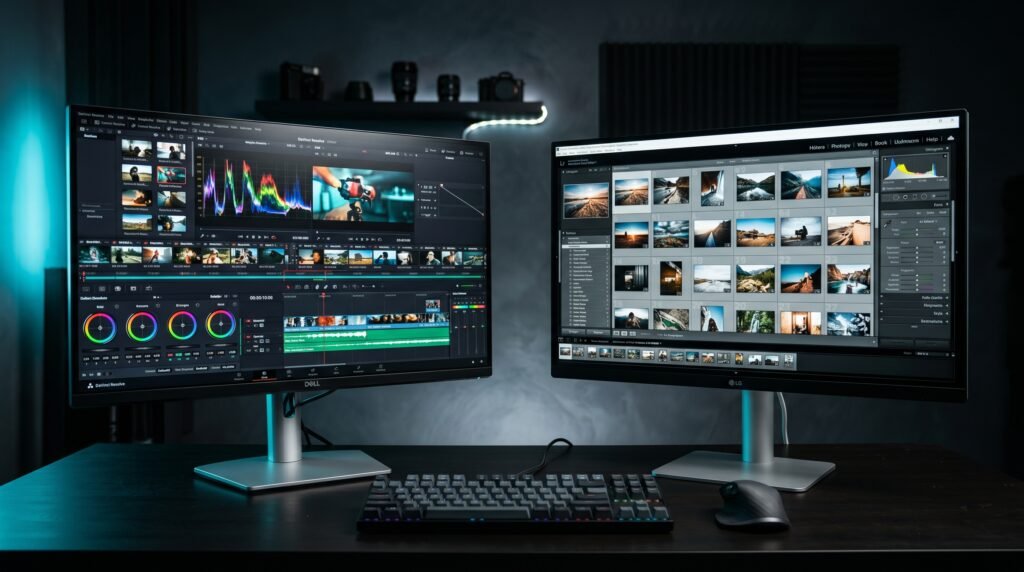
This article contains affiliate links. We may earn a commission if you buy through our links, at no extra cost to you.
Dell UltraSharp vs LG UltraFine Monitor 2026
Choosing between Dell UltraSharp and LG UltraFine is one of the most common monitor decisions for remote workers, designers, and Mac users — and it’s also one of the most misunderstood. Both lines produce excellent 27-inch 4K monitors in the $300-600 range. But they make different tradeoffs on panel technology, connectivity, software, and who they’re actually built for. After researching and comparing the current flagship models from each line head to head, here is what actually separates them in 2026.
This guide is for anyone choosing between these two monitor lines for a home office or professional creative setup. For a broader look at the best 4K monitors at every price point, our guide to the best monitor for home office under $300 covers the full landscape.
Quick Answer
The Dell UltraSharp U2723QE wins for professionals who prioritize panel quality and build — the IPS Black panel delivers 2000:1 contrast that standard IPS monitors can’t match, and the connectivity suite with Thunderbolt 4 and 90W USB-C PD is the most complete in this price range. The LG 27UP850K-W wins for Mac users and anyone who wants excellent 4K quality at nearly half the price. Budget buyers should consider the Dell U2724D or the LG 27US550-W as more accessible entry points to each line.
The Core Philosophy Difference Between These Two Lines
Dell UltraSharp and LG UltraFine both target professional users — but the target professional is different for each, and understanding that difference makes the decision much clearer.
Dell UltraSharp is built around the complete professional workstation. Thunderbolt 4 connectivity, KVM switch for controlling two computers, daisy-chaining, LAN port, USB hub, and Dell Display Manager software that handles window snapping and multi-monitor productivity. The monitor is designed to be the hub of a professional desk — everything connects through it. Dell’s 3-year premium warranty with on-site support reinforces the enterprise and serious professional positioning.
LG UltraFine is built around display quality and Mac compatibility. Clean, minimal design, accurate color from the factory, and USB-C connectivity that pairs cleanly with MacBooks. LG’s OnScreen Control software handles display management but is more lightweight than Dell Display Manager. The focus is on what you see on screen, not how many peripherals you can route through the monitor.
The counterintuitive point: for pure image quality, the LG 27UP850K-W at $300 is a more capable display than the $580 Dell U2723QE for most visual work — because the IPS Black panel advantage Dell offers matters most in dark environments, while standard IPS color accuracy is excellent on both. The price premium on Dell is largely for the connectivity and software ecosystem, not the image quality alone.
For users who also use their monitor with a monitor arm — which most serious home office setups should — our guide to the best monitor arm for desk covers everything you need for both monitors.
Panel Technology: IPS Black vs Standard IPS
This is the most significant technical difference between the flagship models and the one that most directly affects what you see on screen daily.
The Dell U2723QE uses an IPS Black panel — a proprietary panel technology that achieves 2000:1 contrast ratio versus the 1000:1 standard on most IPS displays. Standard IPS panels produce a characteristic “IPS glow” — a slight gray haze in dark areas of the screen that’s most visible in dark rooms, dark-themed applications, and video content with dark scenes. The IPS Black panel reduces this glow significantly, producing blacks that are approximately twice as deep as standard IPS.
The practical impact depends on your use case. For developers and writers who use dark mode all day, the IPS Black panel produces meaningfully more comfortable viewing over long sessions. For video editors who review dark footage, the improved black level is directly relevant to their work. For users who primarily work with documents, spreadsheets, and video calls — the difference is visible but not dramatic enough to justify the price gap on its own.
The LG 27UP850K-W uses a standard IPS panel — excellent IPS quality with 99% sRGB coverage and 95% DCI-P3, but at the standard 1000:1 contrast ratio. For color-critical work in design and photo editing, the LG’s color coverage is excellent and the factory calibration is accurate enough for professional use without additional calibration. The panel simply doesn’t match the Dell’s black depth.
We found that the IPS Black advantage is most apparent within the first 30 minutes of direct comparison — and then recedes as your visual system adapts. The difference is real, but buyers who aren’t doing side-by-side comparisons daily won’t be constantly reminded of it.
Connectivity: Thunderbolt 4 vs USB-C
The connectivity gap between these two monitors is where the Dell’s price premium is most clearly justified — or most clearly irrelevant, depending on your workflow.
The Dell U2723QE has Thunderbolt 4 with 90W USB-C PD, downstream USB-C, four USB-A 3.2 Gen 2 ports, DisplayPort output for daisy-chaining, HDMI, and a built-in LAN port. The KVM switch lets you control two computers with one keyboard and mouse through the monitor. For a professional managing a work laptop and a personal machine, or a developer switching between a Mac and a Windows box, this KVM functionality alone saves 10-15 seconds per switch multiple times per day.
The LG 27UP850K-W has USB-C with 90W PD, two HDMI ports, DisplayPort, and two USB-A downstream ports. Single cable laptop connectivity works identically to the Dell — one USB-C cable handles display output, USB hub, and 90W charging simultaneously. What’s missing is Thunderbolt 4 specifically, the LAN port, and the KVM switch.
For MacBook users who connect one laptop and want clean single-cable setup — the LG is entirely sufficient. For power users managing multiple computers or needing the LAN port for reliable wired ethernet — the Dell’s connectivity suite justifies a significant portion of its price premium.
Detailed Reviews
1. Dell UltraSharp U2723QE — Best Overall (~$580)
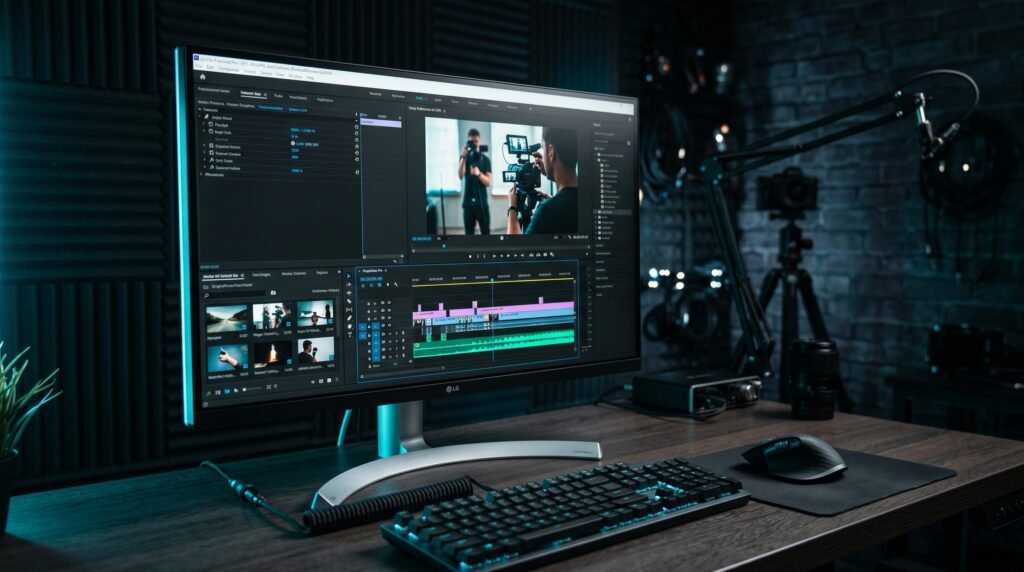
The Dell UltraSharp U2723QE is the most complete professional monitor in the sub-$600 category. IPS Black panel, Thunderbolt 4, KVM, LAN port, and Dell’s 3-year premium on-site warranty — the full professional workstation hub in a 27-inch form factor.
The IPS Black panel is the headline spec, but the connectivity ecosystem is what justifies the price for most buyers. A software developer who switches between a MacBook and a Windows desktop saves meaningful friction daily through the KVM. A video producer who reviews dark footage benefits from the improved black depth. For those use cases specifically, no competitor in this price range matches the U2723QE comprehensively.
Real-world detail: The LAN port is underappreciated — connecting your laptop to wired ethernet through the monitor rather than through a separate dongle eliminates one more cable from the desk and improves connection reliability on video calls significantly.
Pros: IPS Black panel (2000:1 contrast), Thunderbolt 4, 90W USB-C PD, KVM switch, LAN port, Dell Display Manager, daisy-chain, 3-year on-site warranty. Cons: ~$580 is nearly double the LG 27UP850K-W, 60Hz only, no built-in speakers, overkill for users who don’t need KVM or LAN.
2. LG 27UP850K-W — Best Value UltraFine (~$300)
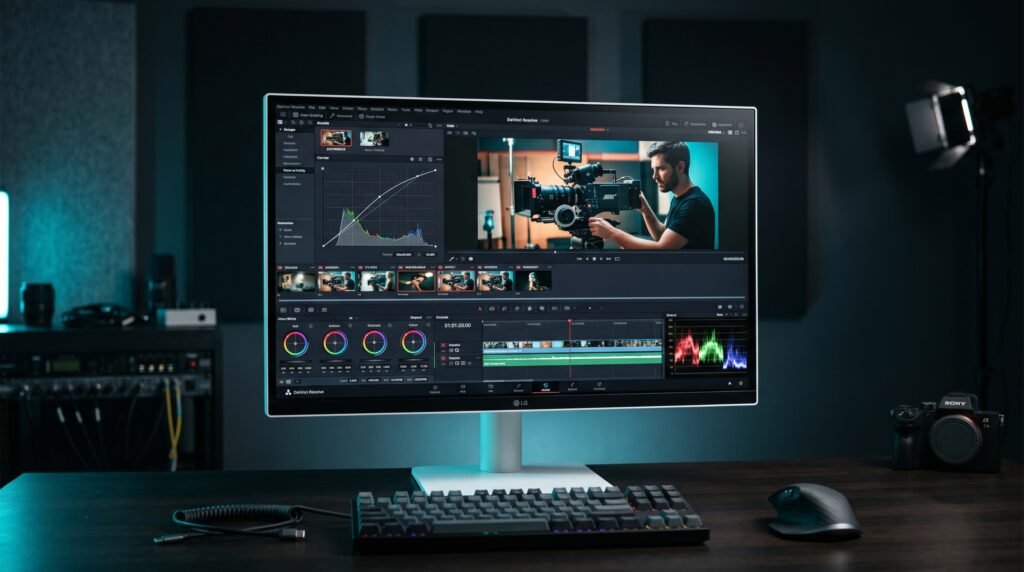
The LG 27UP850K-W is the monitor that makes the Dell U2723QE’s price look hard to justify for most home office users. 27-inch 4K IPS, 95% DCI-P3, 99% sRGB, 90W USB-C PD, built-in speakers, and a clean ergonomic stand — at approximately half the Dell’s price.
For Mac users specifically, this is the default recommendation. The 90W USB-C PD handles even 16-inch MacBook Pro charging at full speed. The color accuracy is excellent out of the box for design and photo work. The built-in speakers eliminate a separate audio purchase for users who don’t need audiophile sound quality.
Real-world detail: The 27UP850K-W’s factory calibration covers 95% DCI-P3 — sufficient for professional photo and light video work without additional calibration. Photographers working in Adobe RGB workflows should verify specific color space coverage before purchasing.
Pros: Excellent value at ~$300, 95% DCI-P3 and 99% sRGB, 90W USB-C PD, built-in speakers, Mac-optimized connectivity, height/tilt/pivot stand. Cons: Standard IPS (not IPS Black), 60Hz only, no Thunderbolt 4, no KVM, no LAN port.
3. Dell U2724D — Best Mid-Range Dell (~$350)
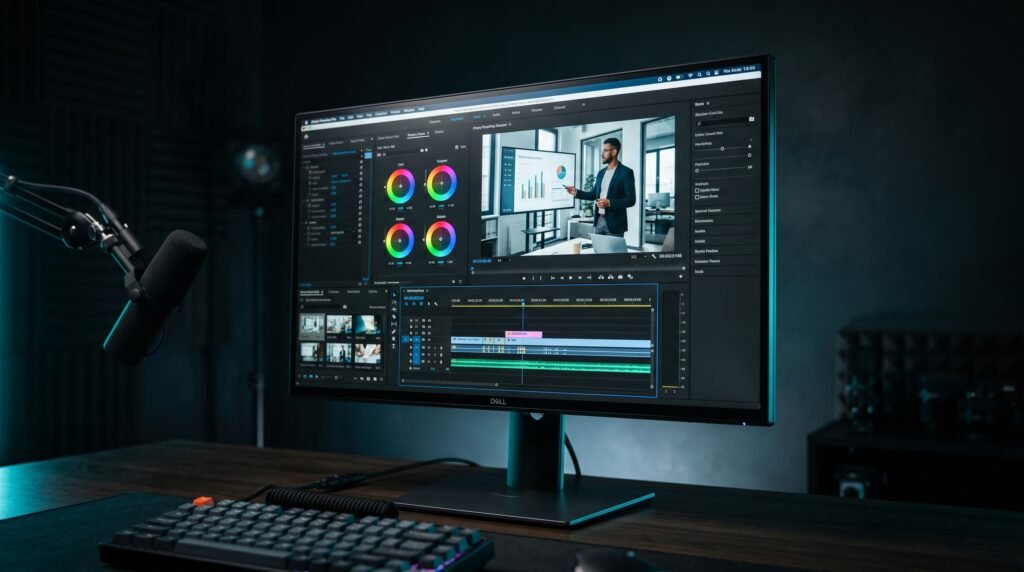
The Dell U2724D sits between the flagship U2723QE and the budget tier — 27-inch 1440p (not 4K) at 120Hz, IPS panel, USB-C 90W PD, and Dell Display Manager. The 120Hz refresh rate is the meaningful differentiator over the 60Hz flagship — scrolling, cursor movement, and general desktop interaction all feel noticeably smoother at 120Hz.
The 1440p vs 4K tradeoff at 27 inches is reasonable for users who don’t do fine detail work — at normal desk viewing distances of 60-80cm, 1440p is sharp. For photo editors and designers who zoom into fine detail regularly, 4K is worth the step up.
Real-world detail: The 120Hz refresh rate on the U2724D makes it the most fluid-feeling Dell monitor in this comparison for everyday use — the 60Hz flagship monitors feel noticeably slower in daily interaction once you’ve used 120Hz for a week.
Pros: 120Hz for smoother desktop interaction, USB-C 90W PD, Dell Display Manager, full ergonomic stand, 3-year Dell warranty, better price than U2723QE. Cons: 1440p rather than 4K, standard IPS (not IPS Black), less complete connectivity than U2723QE.
4. LG 27US550-W — Best Budget UltraFine (~$200)
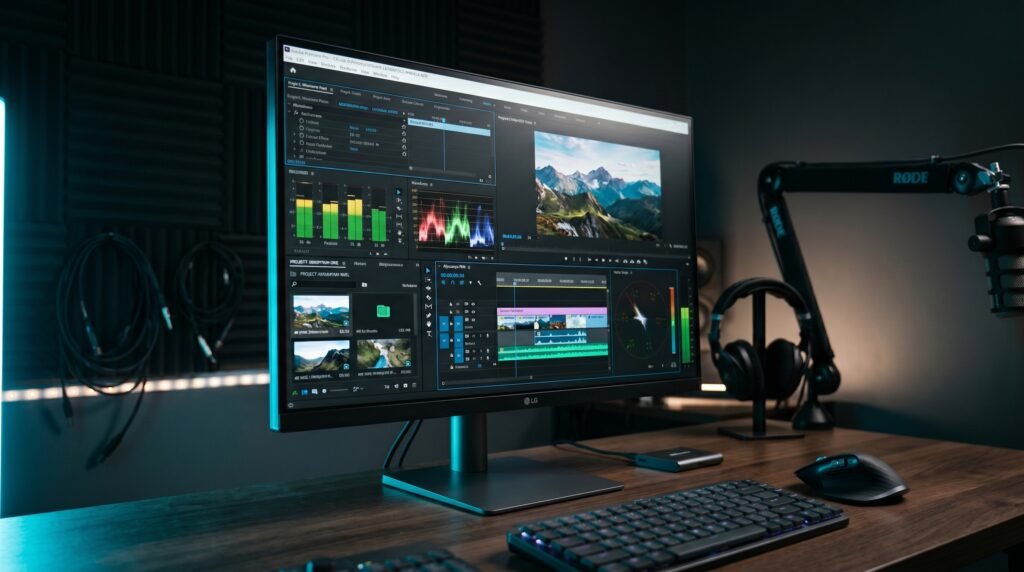
The LG 27US550-W is the entry point to the UltraFine line — 27-inch 4K IPS, HDR10, 90% DCI-P3, USB-C, and LG’s fully adjustable stand at approximately $200. For users who want genuine 4K UltraFine image quality without the 90W USB-C PD of the premium model, the 27US550-W delivers the display quality at a significantly lower price.
The USB-C implementation is the meaningful spec difference from the premium 27UP850K-W — the 27US550-W’s USB-C PD wattage is lower, which may not fully charge demanding laptops under heavy load. For most users on 13-15 inch laptops, this isn’t a problem. For 16-inch MacBook Pro users who run demanding workloads, the 27UP850K-W’s 90W PD is worth the extra $100.
Real-world detail: At $200, the 27US550-W represents exceptional value for a 4K IPS monitor with accurate color — it outperforms monitors costing $50-80 more from competing brands on panel quality.
Pros: 4K IPS at ~$200, 90% DCI-P3, HDR10, USB-C, adjustable stand, borderless design, LG Switch app. Cons: Lower USB-C PD wattage than premium model, no built-in speakers, 60Hz only.
Comparison Table
| Monitor | Price | Panel | USB-C PD | Best For | Rating |
|---|---|---|---|---|---|
| Dell U2723QE | ~$580 | IPS Black | 90W TB4 | Complete professional workstation | 9.5/10 |
| LG 27UP850K-W | ~$300 | IPS | 90W | Best value 4K for Mac users | 9/10 |
| Dell U2724D | ~$350 | IPS | 90W | Best 120Hz mid-range | 8.5/10 |
| LG 27US550-W | ~$200 | IPS | USB-C | Best budget 4K entry point | 8/10 |
What to Look for When Choosing Between Dell UltraSharp and LG UltraFine
1. Primary use case — connectivity ecosystem vs display quality If you need KVM switching, Thunderbolt 4, LAN port, and Dell Display Manager for multi-computer setups — Dell UltraSharp is the answer regardless of price. If your workflow is primarily display-focused — color accuracy, resolution, Mac single-cable connectivity — the LG UltraFine delivers equivalent or better image quality at lower cost.
2. Panel type for your working environment Dark room or dark mode power user — the Dell U2723QE’s IPS Black panel is worth paying for. Standard office lighting with mixed content — standard IPS on both lines is excellent and the difference isn’t worth the price gap. Test your working environment: if you rarely notice the IPS glow on your current monitor, you won’t miss IPS Black.
3. Mac vs Windows primary platform Both lines support Mac and Windows. But LG UltraFine was historically designed with Mac users in mind — the clean USB-C single-cable setup, the minimal design aesthetic, and the OnScreen Control software work well in Apple workflows. Dell UltraSharp with Dell Display Manager is particularly powerful for Windows users managing multiple windows and multi-monitor setups.
4. USB-C wattage for your specific laptop Both flagship models provide 90W USB-C PD — sufficient for virtually all laptops including 16-inch MacBook Pro. The budget LG 27US550-W has lower wattage that may not fully charge demanding laptops under load. Verify your laptop’s maximum USB-C charging wattage against the monitor’s PD spec before purchasing.
5. Warranty and long-term support Dell’s 3-year Premium Support with on-site service is the strongest warranty in the monitor category — if a pixel dies, Dell sends a technician to your location. LG offers standard manufacturer warranty without on-site support. For enterprise users and professionals who can’t afford monitor downtime, Dell’s warranty alone can justify the price premium.
FAQ
Is Dell UltraSharp better than LG UltraFine?
For professional workstation connectivity and dark-environment image quality, yes — the Dell U2723QE’s IPS Black panel and Thunderbolt 4 ecosystem are genuinely superior features. For display quality per dollar and Mac single-cable workflows, the LG 27UP850K-W delivers equivalent or better value at nearly half the price. Neither is universally better — the correct choice depends on your specific workflow requirements.
Which is better for Mac users — Dell UltraSharp or LG UltraFine?
For most Mac users, the LG 27UP850K-W is the better choice. The 90W USB-C PD single-cable setup works identically to the Dell, the color accuracy is excellent for creative work, and the $280 price difference between the LG and the Dell U2723QE is difficult to justify for Mac-only workflows that don’t need KVM or Thunderbolt 4 specifically.
Does Dell UltraSharp work with MacBook?
Yes, fully. The Dell U2723QE connects via Thunderbolt 4 or USB-C to any modern MacBook and charges at 90W while providing display output and USB hub access through a single cable. Dell Display Manager has a macOS version with slightly fewer features than the Windows version — window snapping and display management work, but some advanced features are Windows-only.
What is the difference between IPS Black and standard IPS?
IPS Black is a panel technology developed by Dell that achieves 2000:1 contrast ratio versus the 1000:1 standard on conventional IPS displays. The practical result is deeper blacks with less IPS glow — visible in dark-themed applications, dark video content, and any scenario where a black background is visible on screen. For mixed content work in standard office lighting, the difference is visible but not dramatic. For dark mode users and video reviewers, the improvement is meaningful.
Our Final Verdict
The Dell UltraSharp vs LG UltraFine decision comes down to one question: do you need the Dell’s connectivity ecosystem, or do you primarily need a great display? The Dell U2723QE is the most complete professional monitor under $600 — IPS Black panel, Thunderbolt 4, KVM, LAN, and Dell’s 3-year on-site warranty justify the premium for power users who need all of it. The LG 27UP850K-W delivers excellent 4K image quality and 90W single-cable connectivity at half the price — the right choice for Mac users and anyone whose workflow doesn’t require multi-computer management. Budget buyers get genuine 4K quality from either line through the Dell U2724D or the LG 27US550-W. Check current pricing on Amazon before deciding — prices on both lines fluctuate regularly.