
This article contains affiliate links. We may earn a commission if you buy through our links, at no extra cost to you.
A riser with storage adds desk space instead of taking it. The shelf lifts the monitor a few inches and hands you back the footprint underneath — roughly 1.5 square feet on a standard 24-inch model — which is why the best monitor stand riser with storage is judged on the clearance below the shelf, not on how high it lifts the screen.
Most buyers get that backwards. They compare heights, pick the tallest, and end up with a drawer that blocks the one space a keyboard could have slid into.
After comparing shelf clearances, published load and width limits, drawer layouts and the complaints owners repeat across hundreds of listings, four risers cover the four situations people actually buy for: one screen, two screens, a desk that has to look good, and a budget under $35.
Quick Answer
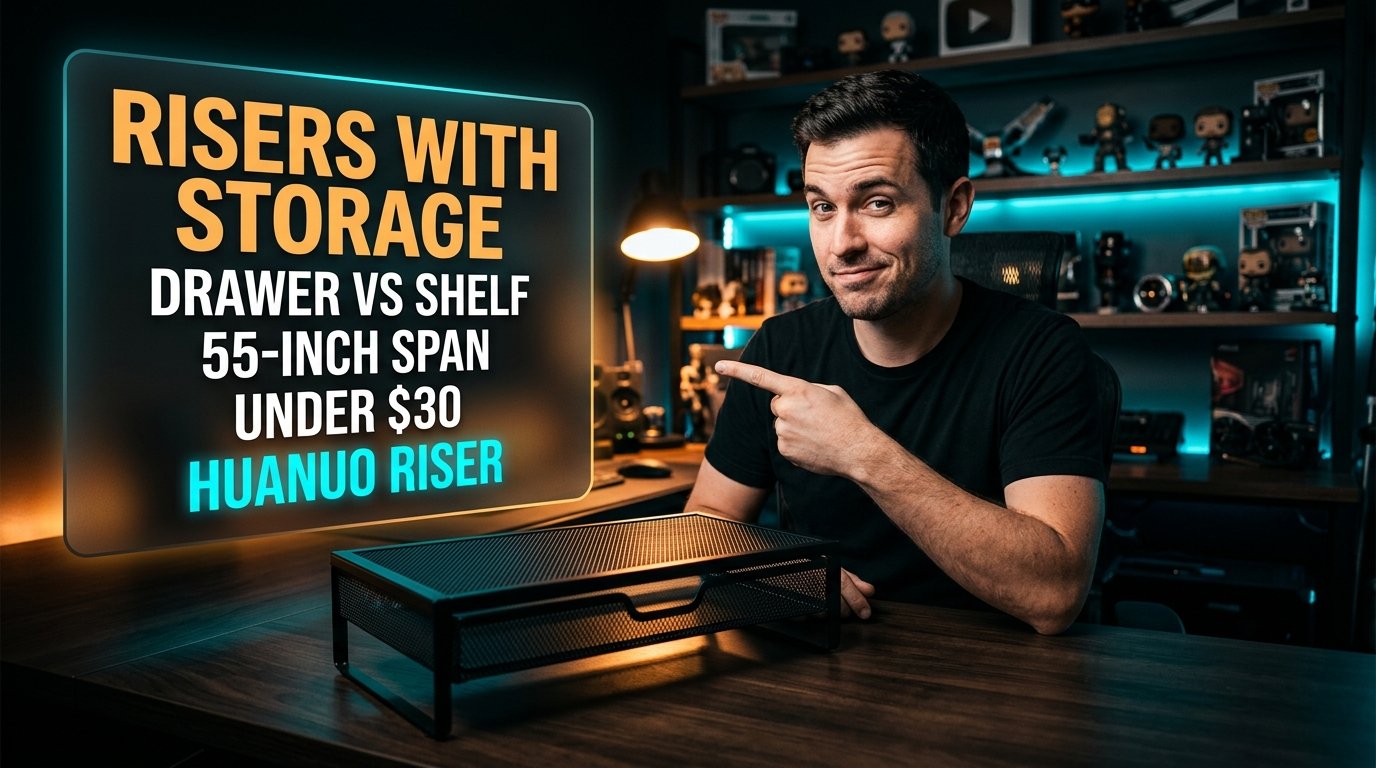
The HUANUO Monitor Stand Riser with Drawer is the best monitor stand riser with storage for most desks — a pull-out drawer plus two side pockets in a metal mesh frame for around $30. For two screens, the HUANUO Large Dual Monitor Stand spans a setup up to 55 inches wide, the Epesoware Bamboo Riser with 2 Drawers is the pick for a desk you look at, and the VIVO Height Adjustable Desk Riser covers tight budgets.
What a Riser With Storage Actually Buys You
The useful measurement is clearance under the shelf, not height above the desk.
A riser converts unusable vertical air into usable horizontal surface. The monitor goes up, and the space it was occupying becomes a slot for a keyboard, a notebook, a graphics tablet or a laptop in a vertical dock. On a 120cm desk that already holds a monitor, a keyboard and a mouse, that slot is the difference between a cluttered surface and a clear one.
Height itself is mostly incidental. Risers in this category lift a screen somewhere between 3 and 5 inches, and the practical reason to care is matching a second monitor’s height or framing a webcam shot — not chasing a number.
If your keyboard is a low-profile board about 1.2 inches tall at the front edge, almost any riser will swallow it. A full-size mechanical board with a 1.6-inch case needs the clearance checked before you buy. Our guide to cable management pairs well here, because a riser is also where loose cables stop being visible.
Drawers vs Open Shelf: the Drawer Is Often the Worse Buy
A pull-out drawer eats the clearance a keyboard needed, and that trade is rarely stated on the listing.
An open-shelf riser with 3.5 inches of clearance takes a keyboard. Fit a drawer into that same body and the remaining gap drops closer to an inch, which holds pens and a phone and nothing else. You have swapped a keyboard slot for a pencil tray.
That’s fine if your keyboard lives on the desk permanently and the clutter you want hidden is small — charging cables, a card reader, sticky notes. It’s the wrong choice if the whole point was clearing the surface at the end of the day.
The compromise that works is a riser with a shallow drawer on one side and open clearance on the other, or a two-tier design where the drawer sits above a clear channel. We’d take an open shelf plus a separate desk organizer over a full-width drawer at the same price.
Load Rating Decides Between Metal Mesh and Bamboo
Metal mesh risers carry more weight than bamboo ones of the same size, and they look it.
A 32-inch monitor with a wide pedestal base concentrates load across a narrow strip of shelf. Steel mesh handles that without flexing; bamboo panels are stiff enough for a 24-inch screen but can bow under a heavier all-in-one or a 34-inch ultrawide with a central stand.
Picture a desk with an iMac on the shelf and a printer on the lower tier. That’s the case where the published weight limit matters more than the finish, and where a $30 metal riser outperforms a $60 bamboo one.
The reverse is also true, and it’s the honest reason bamboo sells. A metal mesh riser on a walnut desk looks like office supply catalog filler. If the desk is visible in video calls or sits in a living room, the finish is a real criterion rather than vanity, and bamboo is worth the premium.
Why a Riser Beats a Monitor Arm on Some Desks
A monitor arm frees more desk than any riser, but it needs a clamp edge a riser does not.
Arms require a desk edge roughly 0.4 to 3.5 inches thick with clear access behind, and grommet mounting needs a hole. Glass desks, thin floating shelves, desks with a back panel and most rented furniture rule out the clamp. A riser just sits there.
The second difference is storage. An arm clears the desk under the screen completely and gives you nothing to put things in; a riser with storage trades some of that clearance for a defined place where the clutter goes. Those are different problems.
If your desk takes a clamp and you only want the surface clear, buy the arm — our monitor arm guide and the breakdown of whether a monitor arm is worth it cover that route. If it doesn’t, or you want the storage, the riser is not a compromise.
Width: Measure the Monitor Feet, Not the Screen
The span of the monitor’s base decides the riser width you need, and it rarely matches the screen diagonal.
A 27-inch monitor on a V-shaped stand can plant its feet 20 inches apart; another 27-inch model with a flat oval base covers 11 inches. The first needs a riser about 24 inches wide, the second fits on a 16-inch one. Screen size tells you almost nothing.
Dual setups make this sharper. Two 24-inch monitors angled inward typically need 40 to 48 inches of continuous shelf, and a riser rated to 55 inches is there for 32-inch pairs rather than as marketing.
Measure the outer edges of the feet with the monitors angled the way you actually use them, then add two inches. If the riser is narrower than that, one foot sits half-off the shelf and the whole thing rocks every time you type.
Monitor Risers With Storage Compared
| Product | Price | Best For | Rating |
|---|---|---|---|
| HUANUO Monitor Stand Riser with Drawer | ~$30 | Most single-screen desks | 8.9/10 |
| HUANUO Large Dual Monitor Stand | ~$60 | Two monitors | 8.7/10 |
| Epesoware Bamboo Riser with 2 Drawers | ~$55 | Desks on camera | 8.6/10 |
| VIVO Height Adjustable Desk Riser | ~$28 | Tight budgets | 8.3/10 |
Detailed Reviews
HUANUO Monitor Stand Riser with Drawer — Best Overall
Three storage zones in one small frame: a pull-out drawer under the shelf, plus two mesh side compartments that take a phone and pens without stealing clearance from the middle. At around $30 the metal mesh construction carries a 24 or 27-inch monitor without the flex you get from particleboard at this price, and the open sides mean cables route through rather than around.
If your desk holds one screen, a keyboard you leave out and the usual drift of chargers and cards, this is the riser that absorbs the clutter. The side pockets take the small items that would otherwise sit loose beside the keyboard.
The honest weakness is appearance. Black steel mesh reads as office supply rather than furniture, and on a wood desk it looks like what it costs. Owner reviews also keep returning to the same point: the drawer is shallow, so it holds flat items and refuses anything with depth.
Best for: a single-monitor desk where function matters more than how the desk photographs.
Real-world detail: the mesh side pockets add storage without reducing the clearance under the main shelf, which a full-width drawer would.
Pros: around $30, three separate storage areas, steel mesh resists flex, cables route through the frame.
Cons: industrial look, shallow drawer, no height adjustment.
HUANUO Large Dual Monitor Stand — Best for Two Monitors
Fifty-five inches is the number that matters, because that span covers two 27-inch monitors angled inward with room left over. This one pairs a wood shelf with a storage drawer and built-in cable management, which is the combination most dual-monitor risers skip — they give you the width and leave the cables to fall behind the desk.
If you run two screens plus a laptop in a dock, the continuous shelf means the monitor feet sit wherever your angle demands rather than on fixed pads. Reposition the screens next month and the riser still fits.
What you give up is desk real estate at the back. A 55-inch shelf on a 120cm desk occupies most of the rear edge, so a printer or a speaker that used to live back there has to move. At around $60 it is also double the single-monitor option, which is fair for the span but worth checking against your actual foot measurement before ordering the large size.
Best for: dual 27-inch setups that need the cables managed as well as the height matched.
Real-world detail: rated for monitors up to 55 inches of combined width, so measure foot span rather than screen diagonals.
Pros: 55-inch span, wood finish, storage drawer, integrated cable management.
Cons: around $60, dominates the back edge of a 120cm desk, heavier to reposition.
Epesoware Bamboo Riser with 2 Drawers — Best Looking
Two drawers and no assembly — it arrives built, which is unusual in a category where most risers come as a bag of bolts. The bamboo panel suits a desk that appears in video calls or sits in a shared room, and the pair of drawers divides small clutter into two places instead of one shallow tray.
Consider a desk in a living room where the monitor setup has to read as furniture rather than equipment. Bamboo with a black finish does that, and the drawers mean the surface stays clear without a visible organizer sitting on top.
Where it falls short is load and clearance. Bamboo panels are stiff enough for a 24 or 27-inch monitor but flex more than steel under a heavy all-in-one, and two drawers consume most of the space beneath the shelf, so a full-size keyboard will not slide under. At roughly $55 you are paying for the finish and the drawer layout, not for capacity.
Best for: desks that are visible to other people, holding a monitor of 27 inches or less.
Real-world detail: it ships assembled, so there is no bolt-together step and no risk of an over-tightened panel.
Pros: arrives assembled, two separate drawers, bamboo finish, neutral in a living room.
Cons: around $55, drawers eliminate keyboard clearance, less rigid than steel under heavy screens.
VIVO Height Adjustable Desk Riser — Best Budget Pick
Height adjustment at around $28 is the hook here, and it is genuinely useful rather than a spec-sheet flourish. Being able to set the shelf rather than accept a fixed 4 inches matters when you are matching a riser-mounted screen to a second monitor already sitting on its own stand — a mismatch of two inches between two screens is visible every time you look across.
If your setup is one monitor on a riser and a laptop open beside it, adjustability lets you line the two displays up instead of living with a step between them.
The trade is everything else. The storage is a single drawer rather than a compartment system, the footprint is small enough that a wide-footed 32-inch monitor will overhang, and the build is the lightest here. It is the right buy if the budget is the constraint and you need the height to land at a specific number; the HUANUO is the better riser at $2 more if you don’t.
Best for: matching a riser-mounted monitor to a second screen at a specific height.
Real-world detail: adjustable height is the only way to align a riser-mounted screen with a second monitor on a fixed stand.
Pros: around $28, adjustable height, compact footprint, storage drawer included.
Cons: single small drawer, narrow shelf for wide monitor bases, lightest construction of the four.
What to Look for When Choosing a Monitor Stand Riser With Storage
- Measure the clearance you need, then the storage. If the goal is sliding a keyboard away, you need roughly 1.2 inches for a low-profile board and 1.6 for a full-size mechanical one, measured at the front edge. A drawer that drops the gap below that turns the slot into a pencil tray.
- Measure the monitor feet, not the screen. Base spans vary from 11 to 20 inches on monitors of identical diagonal. Set the screens at your working angle, measure the outer edges of the feet, and add two inches of margin.
- Match the material to the load and the room. Steel mesh carries heavier screens and all-in-ones without flexing; bamboo looks like furniture and suits anything up to about 27 inches. The desk’s visibility is a legitimate criterion, not vanity.
- Check whether a monitor arm is an option first. An arm clears the desk completely but needs an edge roughly 0.4 to 3.5 inches thick with rear access, or a grommet hole. Glass, thin and panel-backed desks rule it out, and that constraint is usually what makes the riser the right answer.
- Count the storage zones, not the drawers. A single wide drawer holds less usefully than a shallow drawer plus two side pockets, because small items need separating. Look at the layout rather than the count.
FAQ
Does a monitor riser with storage actually save desk space?
Yes. A riser returns the footprint under the shelf as usable surface, which on a standard 24-inch monitor is roughly 1.5 square feet, while occupying only the depth of its own legs. The gain is horizontal space, not height.
Can you fit a keyboard under a monitor riser with a drawer?
Usually not. A drawer consumes most of the space beneath the shelf, leaving around an inch of clearance, while an open-shelf riser typically offers 3 to 3.5 inches — enough for a low-profile or full-size keyboard. Choose one or the other, because few designs give you both.
How much weight can a monitor stand riser hold?
Steel mesh risers generally carry more than bamboo or particleboard models of the same size, and published limits in this category commonly run from about 40 to over 130 pounds. The number matters most for all-in-ones and 32-inch-plus monitors with narrow pedestal bases.
Is a monitor riser or a monitor arm better?
A monitor arm clears the desk surface completely and allows free positioning, but it requires a clamp-compatible desk edge or a grommet hole. A riser works on any desk, including glass and thin floating shelves, and adds defined storage instead of empty space.
Our Final Verdict
For most desks the HUANUO Monitor Stand Riser with Drawer is the one to buy: three separate storage zones, a steel frame that won’t flex under a 27-inch screen, and a price around $30 that makes the decision easy.
Two monitors need the HUANUO Large Dual Monitor Stand and its 55-inch span with cable management built in. The Epesoware Bamboo Riser is the pick when the desk is on camera and the monitor is 27 inches or smaller, and the VIVO Height Adjustable Desk Riser earns its place only when you need the shelf at a specific height to match a second screen.